

The strongest 3m.com alternatives for MacBook users in 2026 are magnetic, model-specific privacy screens built to exact MacBook dimensions. These filters narrow side-angle visibility to approximately ±30°, blocking casual glances from nearby seats in cafés, airports, and coworking spaces. Clarmuse produces the following options, each matched to a specific MacBook model:
- MacBook Pro 16.2" — Magnetic Privacy Screen Protector: precision fit, magnetic attachment, no adhesive residue
- MacBook Air 15.3" — Magnetic Privacy Screen Protector: slim profile, easy daily removal, full-edge coverage
- MacBook Pro 14.2" — Magnetic Privacy Screen Protector: model-specific fit, preserves display clarity when removed
- MacBook Neo 13.0" — Magnetic Privacy Screen Protector: compact form, strong side-angle protection
- MacBook Air 13.6" (M2, M3, M4, M5 2022–2026) — Magnetic Privacy Screen Protector: covers the full 2022–2026 chip generation range
Privacy screens using microlouver technology typically reduce brightness by 15%–30%, so no filter delivers full brightness alongside full privacy. Magnetic attachment is the practical answer: attach when needed, remove when not.
Table of Contents
- How do Clarmuse and 3M privacy screens compare?
- How to select the ideal privacy screen for your MacBook
- What do users say about privacy screen performance?
- How easy is it to install and remove these screens?
- Where can you buy these alternatives in the US?
- Key Takeaways
- The case for magnetic privacy screens in shared spaces
- Clarmuse magnetic privacy screens for MacBook users
- FAQ
How do Clarmuse and 3M privacy screens compare?
Both Clarmuse and 3M produce magnetic MacBook privacy filters, but the differences in fit, pricing, and design philosophy matter for daily use.
| Feature | Clarmuse | 3M |
|---|---|---|
| Screen compatibility | MacBook-specific models (Air/Pro/Neo) | General laptop sizes (14", 16:9 ratio) |
| Attachment method | Magnetic, no adhesive | Magnetic or adhesive slide mount |
| Light transmission | Targets balanced light transmission with microlouver tech | Balanced light transmission with reversible design |
| Privacy angle | Effective side blocking at narrow viewing angles | Side blocking at narrow angles |
| Ease of installation | Snap-on magnetic, seconds | Magnetic or adhesive strip setup |
| Display quality impact | Moderate brightness/color reduction | Moderate; matte side reduces vibrancy |
| Price range | Mid-range, model-specific | Mid-to-premium, general sizing |
Key distinctions worth noting:
- Model-specific filters prevent overhang or unprotected display edges that generic sizing creates
- Magnetic attachments avoid adhesive degradation and protect MacBook surfaces and resale value
- 3M’s reversible glossy/matte design offers glare control flexibility, a feature Clarmuse also incorporates in its dual-sided filters
For MacBook users who move between private and shared spaces daily, the removable magnetic format outperforms adhesive alternatives on every practical measure.
How to select the ideal privacy screen for your MacBook
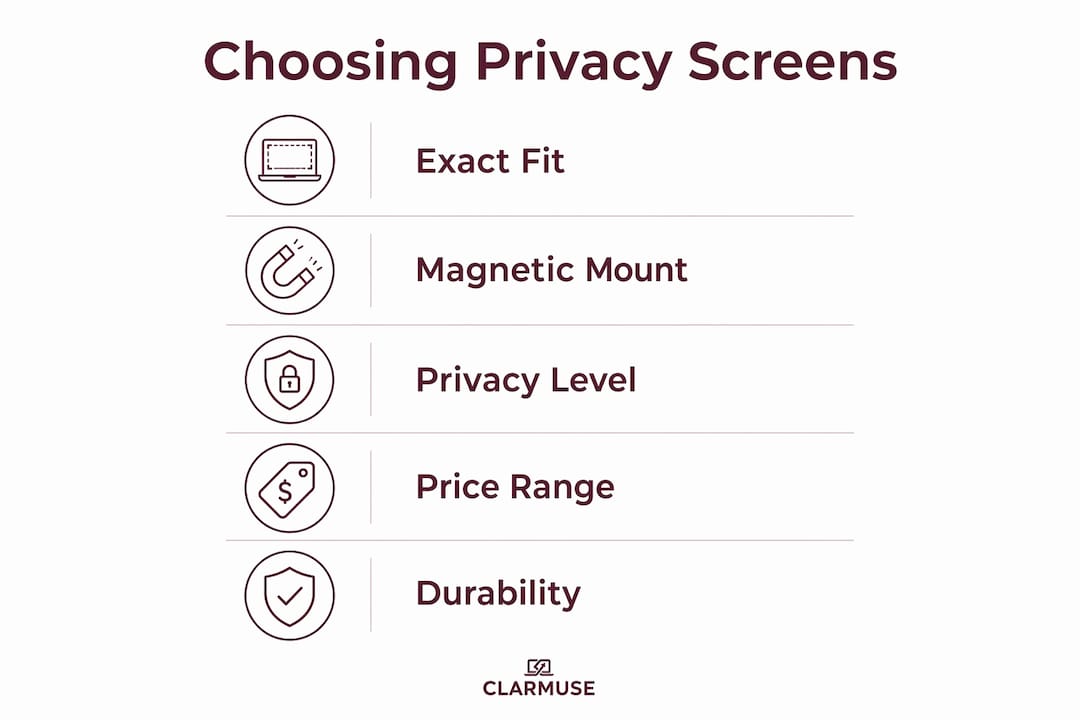
Choosing the right filter comes down to five factors. Get these right and the decision is straightforward.

Exact model fit. A filter sized for a generic 14-inch 16:9 laptop will not align cleanly with a MacBook Pro 14.2" bezel. Proper dimension matching eliminates privacy gaps at the edges and prevents the visual distraction of an overhanging filter. Always verify the exact MacBook model before purchasing.
Magnetic over adhesive. Entry-level filters at low cost typically use adhesive mounts. Adhesive degrades over time, leaves residue on bezels, and can affect device resale value. Magnetic models cost more upfront but protect the MacBook’s surface and make daily attachment effortless. For hassle-free MacBook travel, magnetic is the only practical choice.
Privacy versus display quality. Microlouver technology narrows viewing angles but reduces brightness. High-quality screens target at least 60% light transmission to keep the display usable. Expect some softness in text rendering and a slight color shift, particularly on the matte side. Users doing photo or video editing should remove the filter during that work.
Pricing expectations. Budget adhesive filters run $20–$30. Magnetic, model-specific options tend toward higher price points. The price difference reflects attachment quality, fit precision, and long-term device protection.
Durability and maintenance. Wipe the filter with a microfiber cloth. Avoid liquid cleaners on the microlouver surface. Store the filter in a sleeve or pouch when not in use to prevent scratching.
Pro Tip: Use your magnetic privacy screen only in public or shared spaces. Removing it at home or in a private office preserves your MacBook’s full display brightness and color accuracy for tasks that need it.
What do users say about privacy screen performance?
User feedback on magnetic MacBook privacy screens consistently highlights two things: the convenience of magnetic attachment and the inevitable trade-off with display brightness.
Reviews of the StarTech.com Black Magnetic Filter for MacBook Pro is praised for effectively limiting side visibility while maintaining clarity, with users noting that the matte side reduces color vibrancy and sharpness, but the glossy side helps maintain display quality for image work. Users working primarily with documents and email report minimal disruption.
Kensington’s Elite Magnetic Privacy Screen also receives positive feedback for its magnetic attachment, slim design that allows normal lid closure, and benefits like blue light reduction during extended use. The consistent criticism across brands is brightness reduction on the matte side, which is a function of microlouver physics rather than any brand’s specific failure.
No filter fully eliminates all side visibility while preserving full brightness. User awareness of screen positioning remains part of the solution.
How easy is it to install and remove these screens?
Magnetic privacy screens for MacBook attach in seconds. The filter aligns with the top bezel, the magnetic strip snaps into place, and the screen lays flat over the display. No tools, no adhesive, no setup time.
Removal is equally fast: lift from a corner, the magnet releases cleanly, and the MacBook display is fully exposed. The filter stores flat in a sleeve or the included envelope. For users moving between a private desk and a shared café table, this takes under five seconds in either direction.
Adhesive-based filters require more care. The strips must align precisely on the first application, and repeated removal risks residue buildup on the bezel. Magnetic designs sidestep this entirely, which is why they are the preferred choice for mobile users who need privacy on demand rather than a permanent installation.
Where can you buy these alternatives in the US?
Clarmuse ships directly to US customers through its website at clarmuse.com, where each product page lists exact MacBook model compatibility. This is the most reliable source for model-specific magnetic filters.
For broader options, Amazon carries magnetic MacBook privacy screens from multiple brands, often with faster Prime shipping. Best Buy stocks a selection of privacy filters in-store and online, though model-specific MacBook options are more limited on physical shelves. B&H Photo and Adorama carry privacy screens suited to creative professionals who need display accuracy alongside privacy.
For students, the campus use case is well-served by ordering directly from brand websites, where compatibility is guaranteed by model number rather than generic screen size.
Key Takeaways
Magnetic, model-specific privacy screens are the most practical 3m.com substitutes for MacBook users, offering on-demand privacy without adhesive damage, exact display coverage, and full brightness restoration when removed.
| Point | Details |
|---|---|
| Magnetic attachment wins | Magnetic filters avoid residue and protect MacBook resale value versus adhesive alternatives. |
| Expect ±30° privacy angle | Side visibility is blocked effectively; direct over-the-shoulder viewing is not fully eliminated. |
| 60% light transmission target | High-quality screens balance usability and privacy, with some brightness and clarity reduction (usually resulting in a 15%–30% reduction in brightness). |
| Model-specific fit matters | Filters matched to exact MacBook dimensions prevent edge gaps and visual distortion. |
| Clarmuse covers key models | Clarmuse offers magnetic filters for MacBook Pro 16.2", 14.2", Air 15.3", Air 13.6", and Neo 13.0". |
The case for magnetic privacy screens in shared spaces
Most people who buy a privacy screen treat it as a permanent fixture. That is the wrong approach, and it explains most of the dissatisfaction users report. A microlouver filter attached all day in a home office is just a brightness reducer with no privacy benefit. The technology is designed for a specific context: shared spaces where side-angle visibility is a real risk.
The more useful frame is to think of a magnetic privacy screen the way you think of noise-canceling headphones. You put them on when the environment calls for it. You take them off when it does not. Magnetic attachment makes that behavior effortless. Adhesive attachment makes it inconvenient enough that users either leave the filter on permanently or stop using it.
The brands that understand this, including Clarmuse, build their products around the removal-and-reattachment cycle rather than treating it as an edge case. That design priority is what separates a genuinely useful MacBook privacy accessory from a filter that ends up in a drawer.
Clarmuse magnetic privacy screens for MacBook users
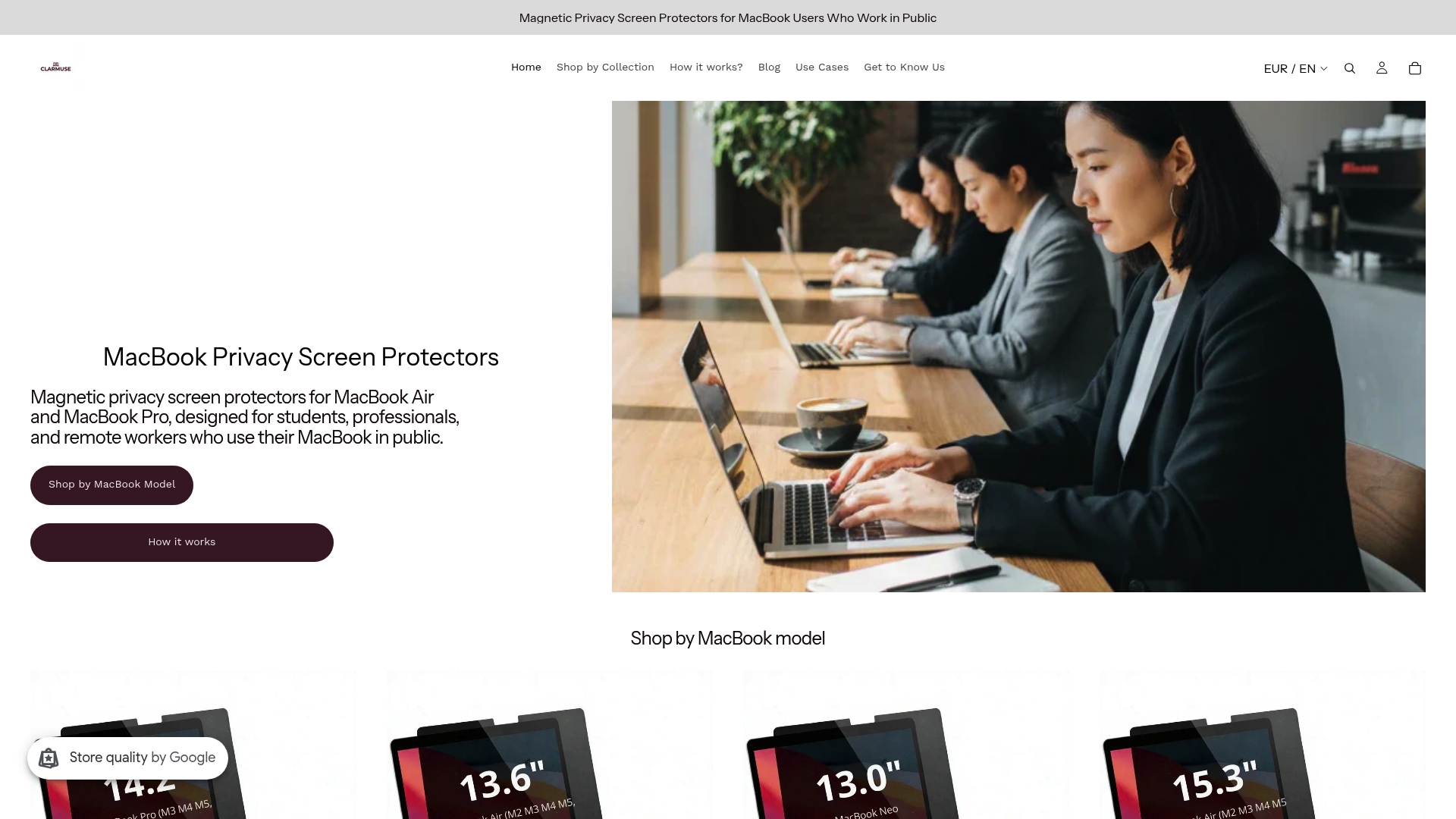
Clarmuse builds magnetic privacy screens for the specific MacBook models most users carry into shared spaces. Each filter is sized to the exact display dimensions of its target model, so there are no edge gaps, no overhang, and no guesswork about compatibility. The magnetic attachment snaps on in seconds and releases just as fast, making it practical for users who move between private desks and public settings throughout the day.
For MacBook Pro users, the 16.2" magnetic filter and 14.2" model are available directly on the Clarmuse site. MacBook Air users can find options for the 15.3" and 13.6" (M2 through M5, 2022–2026) models. Check your MacBook model number, select the matching filter, and order with US shipping from clarmuse.com.
FAQ
What makes magnetic privacy screens better than adhesive ones?
Magnetic screens attach and remove without leaving residue, protecting the MacBook’s bezel and display surface. Adhesive filters degrade over time and can damage the device’s finish and resale value.
Do privacy screens block all side viewing?
No. Most filters narrow the effective viewing angle to approximately ±30°, blocking casual side glances but not direct over-the-shoulder visibility from directly behind the user.
How much brightness do privacy screens reduce?
Microlouver technology typically reduces brightness by 15%–30%. High-quality screens target at least 60% light transmission to keep the display usable for everyday tasks.
Which MacBook models does Clarmuse cover?
Clarmuse offers model-specific magnetic filters for MacBook Pro 16.2", MacBook Pro 14.2", MacBook Air 15.3", MacBook Air 13.6" (M2, M3, M4, M5 2022–2026), and MacBook Neo 13.0".
Where is the best place to buy MacBook privacy screens in the US?
Clarmuse ships directly to US customers at clarmuse.com with guaranteed model-specific compatibility. Amazon and Best Buy also carry magnetic privacy screen options, though model-specific MacBook fits are more reliably confirmed through brand websites.


