

Laptop risks while traveling fall into three categories: physical theft, data compromise, and hardware damage. Each category contains specific, predictable scenarios that repeat across airports, hotels, and cafes worldwide. The examples of laptop risks traveling professionals face most often are not random. They follow patterns, which means they can be anticipated and prevented. This article covers the most common threats, explains how they happen, and gives you concrete steps to reduce each one.
1. Examples of physical theft risks to laptops while traveling
Physical theft is the most immediate laptop risk travelers face. Mobile devices are stolen approximately once every 20 seconds worldwide, with airports, hotels, and cafes ranking as the top locations. That frequency means the risk is not hypothetical. It is a daily reality in the places you spend the most time.
The behaviors that make theft easy are predictable:
- Leaving a laptop bag unattended at a cafe table while ordering
- Placing a laptop in an overhead bin and sitting several rows away
- Storing a laptop in a hotel room without any physical security measure
- Using a regular backpack with an exposed, easy-access laptop compartment
- Setting a laptop on a table in a hotel lobby while checking in
The recovery rate makes theft especially damaging. 97% of stolen laptops in the US are never recovered by their owners. That means the device, and everything on it, is gone permanently in almost every case.
Theft-resistant laptop backpacks reduce physical theft risk by up to 60% compared to regular bags. These bags use hidden zippers, cut-resistant panels, and anchor loops that attach to fixed objects. The design keeps the laptop close to your body and harder for a thief to access quickly.
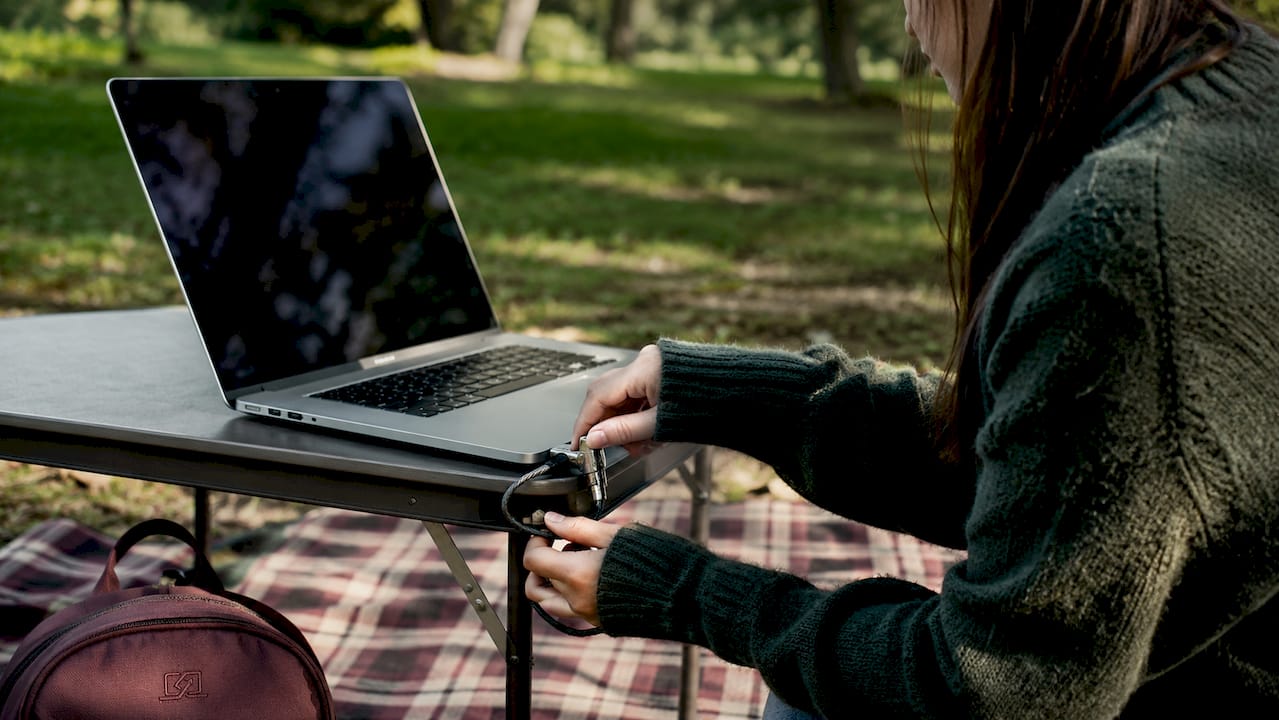
Pro Tip: Keep your laptop bag in front of you or between your feet at all times in airports and cafes. A thief needs only a few seconds of distraction to take an unattended bag.
2. Examples of data privacy and cybersecurity risks for traveling laptops
Digital threats are the most underestimated category of traveling with laptops risks. Travelers often assume public Wi-Fi is the main danger, but the full picture is more specific.
The most common attack vectors include:
- Unsecured Wi-Fi connections. Most websites now use HTTPS, which provides baseline encryption. However, risks persist from social engineering and device connectivity settings like Bluetooth and AirDrop that travelers leave enabled in crowded spaces.
- Automatic device connections. Laptops set to auto-connect to known network names can join rogue hotspots that mimic legitimate hotel or airport Wi-Fi names.
- Bluetooth and file-sharing exposure. Leaving Bluetooth or AirDrop active in a busy terminal broadcasts your device to nearby strangers. Unauthorized access attempts through these channels are well documented.
- Phishing on travel platforms. Travelers checking booking confirmations or itineraries are frequent targets of phishing emails designed to look like airline or hotel communications.
- Unencrypted storage. Full disk encryption such as FileVault on macOS or BitLocker on Windows is critical. Without it, a thief who removes your storage drive can bypass your login password entirely and read every file.
Many travelers believe a strong login password is sufficient protection. It is not. Encryption protects data at the storage level, not just the login screen. Enabling FileVault or BitLocker before you travel takes under five minutes and closes a major vulnerability.
Pro Tip: Disable Bluetooth, AirDrop, and auto-connect Wi-Fi before entering any airport or transit hub. Re-enable them only when you need them and in a controlled environment.
For a full laptop security checklist before your next trip, Clarmuse covers the specific steps worth completing before departure.
3. Examples of accidental damage risks to laptops during travel
Accidental damage accounts for a significant share of laptop losses during travel, yet most travelers pack their devices with minimal protection.
Common damage scenarios include:
- Checked baggage pressure and impact. Laptops placed in checked bags face crushing pressure from other luggage and rough handling by baggage systems.
- Battery fire risk. Aviation regulators prohibit laptops in checked baggage because lithium-ion batteries can enter thermal runaway, a chain reaction that causes fire. Incidents involving unauthorized lithium-ion devices in checked bags nearly doubled leading up to june 2026. Carry your laptop in your carry-on bag, always.
- Drops during transit. Rushing through a terminal, boarding a bus, or navigating a crowded train station all create conditions where a laptop slips from a bag or a table.
- Liquid exposure. Spilled drinks on tray tables, rain while moving between transport, and humid climates all pose real risks to unprotected hardware.
- Heat damage. Leaving a laptop in a car, a sun-exposed hotel room, or a bag stored in direct sunlight can damage the battery and internal components.
The best physical protection combines a padded laptop sleeve inside a carry-on bag, a waterproof outer layer, and keeping the device with you rather than in overhead storage when possible. For MacBook users, securing your MacBook on flights requires specific packing habits that go beyond a basic sleeve.
4. Examples of border-crossing and legal privacy risks for laptops
Border inspections represent a category of laptop risk that most travelers do not prepare for. Customs authorities in many countries hold legal power to compel device unlock and inspect laptop contents. The rules vary significantly by country, and travelers are rarely warned in advance.
Key risks at borders include:
- Compelled device unlock. Border agents in the US, UK, Australia, and other countries can legally demand you unlock your laptop. Refusing may result in device confiscation or denial of entry.
- Biometric bypass. If your laptop uses fingerprint or face unlock, a border agent can physically guide your hand or face to the sensor. Powering off your device before crossing disables biometric access and forces a password entry, which is harder to compel.
- Data copying. Some border agencies use forensic tools to copy drive contents during inspection. Travelers carrying sensitive client or employer data face real exposure here.
- Hotel staff access. Hotel safes are not fully secure. Staff hold master codes or override keys in most properties. Storing a laptop in a hotel safe does not prevent internal access.
Travelers should consider using a sterile, factory-reset laptop for high-risk travel legs. Customs in some countries can compel device unlock and inspect contents, making a clean device the most reliable protection against data exposure during inspection or confiscation.
For travelers carrying sensitive data, MacBook privacy risks abroad require a specific protocol that goes beyond standard cybersecurity advice.
5. Visual hacking: the overlooked laptop risk in shared spaces
Visual hacking is the practice of reading someone’s screen from a side angle in a public space. It does not require any technical skill or equipment. An airport gate, a hotel lobby, a train seat, or a cafe table all provide easy sight lines to your screen for anyone nearby.
The risk is not theoretical. Travelers regularly work on confidential documents, client emails, financial records, and login credentials in plain view of strangers. A person sitting one seat away on a plane can read a full screen without any effort. Hotel lobbies specifically expose laptop screens to a wide field of view due to their open layouts and seating arrangements.
Visual hacking is one of the few laptop risks that physical and digital security tools do not address. Encryption protects data from remote access. A privacy screen protects data from the person sitting next to you. Both protections serve different threat models and both are necessary for frequent travelers.
Pro Tip: Position your screen away from open walkways and high-traffic areas whenever possible. In fixed seating like planes or trains, a privacy filter is the only reliable solution.
Key Takeaways
The most effective defense against laptop risks while traveling combines physical security habits, full disk encryption, and visual privacy measures applied before departure, not after an incident.
| Point | Details |
|---|---|
| Theft is permanent | 97% of stolen laptops are never recovered, making prevention the only reliable strategy. |
| Encryption is non-negotiable | FileVault or BitLocker protects data even if a thief removes your storage drive. |
| Power off at borders | Shutting down before customs inspection disables biometric bypass and protects encrypted data. |
| Hotel safes are not secure | Staff hold master override codes; keep your laptop on your person or hidden in the room. |
| Visual hacking needs a physical fix | Encryption and VPNs do not stop shoulder surfing; a privacy screen does. |
What I’ve learned about prioritizing laptop risks on the road
Most travelers I talk to focus almost entirely on public Wi-Fi as their primary concern. That focus is misplaced. Public Wi-Fi is genuinely less dangerous than it was five years ago, largely because HTTPS adoption has become near-universal. The real vulnerabilities are the ones travelers ignore: an unencrypted drive, a laptop left in a hotel safe, a screen visible to an entire gate area.
Less than 30 minutes of preparation before a trip, enabling disk encryption, disabling auto-connect, and turning off Bluetooth, closes most of the gaps that actually get travelers into trouble. The travelers who get compromised are almost never victims of sophisticated attacks. They are victims of skipped basics.
The border inspection risk is the one that surprises people most. Travelers assume their data is protected by their password. It is not, unless the drive is encrypted and the device is powered off. That combination is the only reliable protection against a compelled inspection. A sterile travel laptop is the gold standard for anyone carrying sensitive professional data across high-risk borders.
Visual privacy is the category most people add last, if at all. Sitting in a business class seat does not make your screen invisible. A hotel lobby does not care about your confidentiality. The people around you can see exactly what you are working on, and most travelers never think about it until someone mentions it.
— Gabriel
Clarmuse magnetic privacy screens for MacBook travelers
Traveling with a MacBook means working in airports, hotel lobbies, trains, and cafes where your screen is visible to anyone nearby. Clarmuse makes magnetic privacy screen protectors designed specifically for MacBook Air and MacBook Pro models, attaching cleanly without adhesive and removing in seconds.
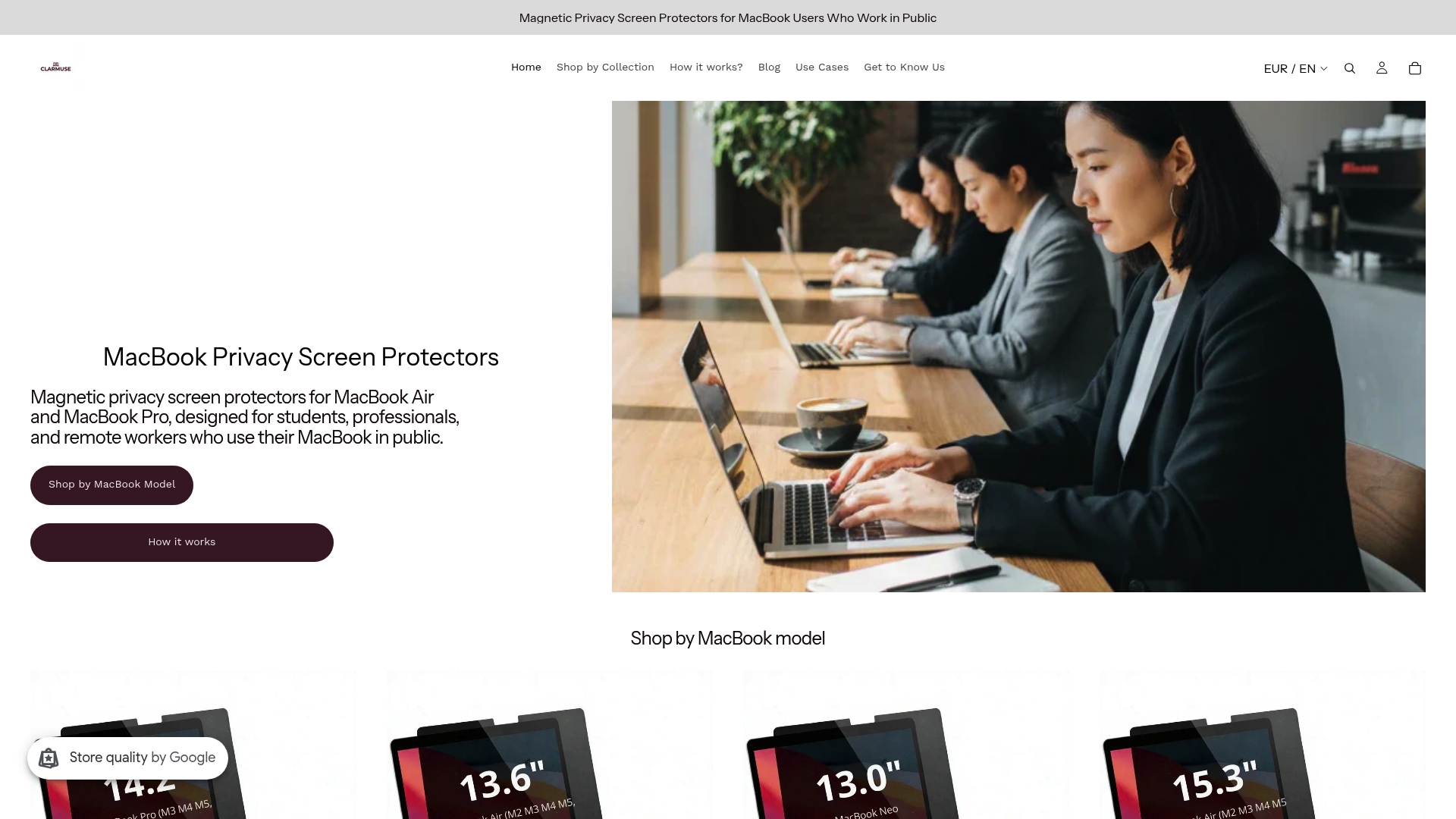
The Clarmuse design narrows your screen’s visible angle so that only the person directly in front of it can read the display. That protection covers the gap that encryption and VPNs cannot. For MacBook Pro users, the privacy screen for MacBook Pro 16.2" fits the exact dimensions of the display without bulk or complicated installation. MacBook Air travelers can find model-specific options across the full Clarmuse MacBook privacy collection. Physical security and digital security work together. Visual privacy is the layer that completes the picture.
FAQ
What are the most common examples of laptop risks while traveling?
The three primary categories are physical theft, data compromise, and accidental hardware damage. Airports, hotels, and cafes are the most frequent locations where each type of incident occurs.
How do I protect my laptop from theft at airports?
Use a theft-resistant backpack with hidden zippers, keep the bag in front of you or between your feet, and never leave the device unattended. Theft-resistant bags reduce risk by up to 60% compared to standard bags.
What should I do if my laptop is lost or stolen while traveling?
Report the theft to local authorities immediately and file a report with your airline or hotel if applicable. Contact your employer or IT department if the device holds work data, and remotely wipe the device using Find My (macOS) or a mobile device management tool if enabled before the trip.
Is public Wi-Fi actually dangerous for laptop users?
Public Wi-Fi is less risky than commonly assumed because most sites use HTTPS. The greater risks come from auto-connect settings, active Bluetooth, and AirDrop, which broadcast your device to nearby strangers in crowded spaces.
Can border agents legally search my laptop?
Yes, in many countries including the US, UK, and Australia, customs agents hold legal authority to inspect laptop contents and compel device unlock. Powering off your device before crossing and using full disk encryption provides the strongest available protection.


