

Screen protection is defined as any physical layer or filter applied to a laptop display to guard against physical damage, visual exposure, and eye strain. For thesis writers and researchers, this protection addresses three distinct problems at once: it blocks side-angle viewing in shared spaces, absorbs daily physical hazards, and reduces the visual fatigue that builds during long writing sessions. Clarmuse designs magnetic privacy screens specifically for MacBook models used in exactly these conditions. Understanding why thesis work needs screen protection helps you choose the right solution before a costly problem forces the decision.
Why thesis work needs screen protection in shared environments
Privacy is the most immediate reason to cover a thesis screen. Libraries, university computer labs, coffee shops, and coworking spaces all create the same risk: someone sitting beside or behind you can read your screen without any effort. That risk is not theoretical. Privacy screens reduce shoulder surfing and protect sensitive research data by limiting side-angle visibility to roughly 30 degrees from center.
Thesis work contains information worth protecting. Raw survey data, unpublished literature reviews, advisor feedback, and draft arguments all represent months of effort. Exposing any of it in a public setting creates risks ranging from academic dishonesty to data privacy violations, particularly when research involves human subjects.
The distraction factor matters just as much as the confidentiality factor. When you know someone can see your screen, you self-censor. You minimize windows, reposition your laptop, or simply stop working. A privacy screen removes that mental overhead entirely.
- Unpublished research data viewed by others can compromise study integrity
- Advisor comments and grades are personal academic records
- Login credentials and institutional portals are visible during normal thesis workflow
- Draft arguments can be copied before submission
Recent advances in magnetic privacy screens, such as those from Clarmuse, allow researchers to attach and remove the filter in seconds. That matters in shared spaces where you move between private and collaborative work throughout the day.
Pro Tip: Position your MacBook so the screen faces a wall rather than an open room. A privacy screen handles the remaining angle exposure that seating alone cannot fix.
How does screen protection preserve your device during thesis work?
A laptop screen is the most expensive single component to replace. Tempered glass protectors act as a sacrificial layer, absorbing scratches and impacts so the display underneath stays intact. That function matters most for students who carry their MacBook in a backpack alongside notebooks, chargers, and other hard objects.
The daily hazards students face are specific and predictable:
- Backpack pressure from books and hard-edged accessories pressing against a closed lid
- Desk debris like pencils, coins, and keys sliding across an open screen
- Accidental spills that reach the display edge before you can react
- Drops during rushed transitions between classes or study sessions
Laptop screen repairs disrupt thesis timelines and carry costs that most students do not budget for. A screen replacement can sideline your work for days while the device is in a repair shop. A screen protector costs a fraction of that and installs in minutes.
Industry experts describe screen protectors as an insurance policy for displays, extending device lifespan and maintaining resale value. That resale value matters when a graduating student sells their MacBook to fund the next phase of their career.
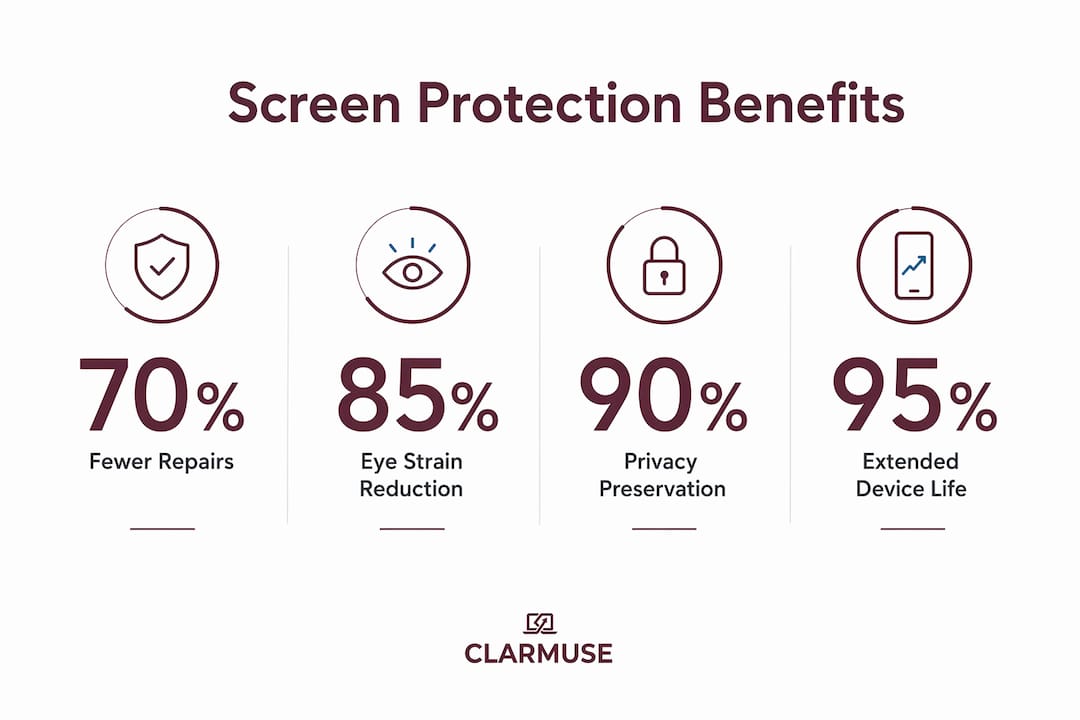
Oleophobic coatings on quality glass protectors reduce fingerprints and smudges, keeping the display readable during long sessions. A clean screen is not just aesthetic. Smudges reduce contrast and force your eyes to work harder, which accelerates fatigue.
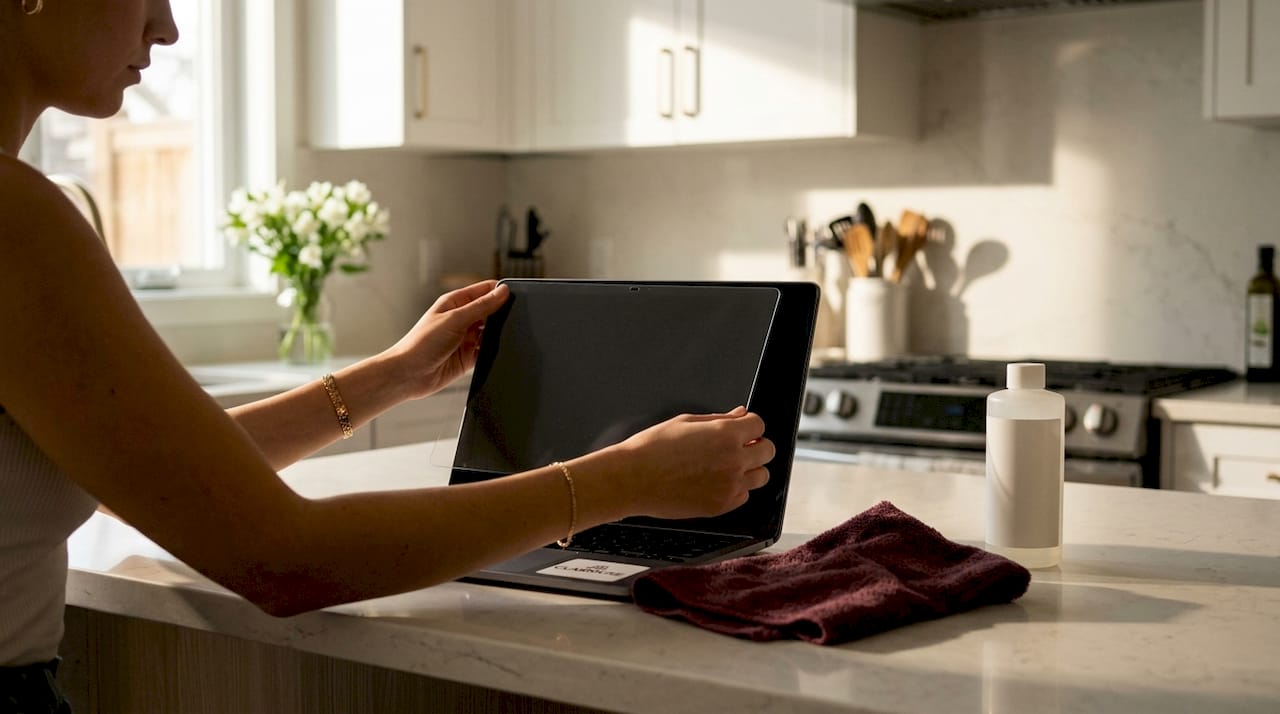
High-quality tempered glass protectors maintain screen clarity without degrading display vibrancy or sharpness. That matters for researchers who work with charts, color-coded data, and high-resolution figures in their thesis documents.
Can screen protection improve focus during long thesis writing sessions?
Eye strain is the silent productivity killer for thesis writers. Sessions that run three to five hours are common during the final months of a project. Blue light filtering in screen protectors reduces symptoms of digital eye strain including eye fatigue, dryness, and headaches by targeting the 415–455nm wavelength range proven to cause discomfort.
Research from march 2026 confirms that dual-action screen protectors combining impact resistance with selective blue light attenuation improve both ocular health and hardware durability. That combination is directly relevant to thesis writers who need their device and their eyes to last through a multi-year project.
Ergonomic workspace guidance adds another layer to this picture. A 24-inch screen at arm’s length and eye level minimizes neck strain during intensive writing. Screen protectors with anti-glare or matte finishes reduce reflections that force you to tilt or reposition your screen away from its optimal angle.
| Screen feature | Benefit for thesis writers |
|---|---|
| Blue light filter (415–455nm) | Reduces eye fatigue during sessions over two hours |
| Anti-glare matte finish | Eliminates reflections in bright library or café lighting |
| Tempered glass layer | Absorbs physical impacts without affecting display clarity |
| Magnetic attachment | Allows quick removal for color-accurate figure review |
Ergonomic adjustments recommended in april 2026 academic workspace guidelines show that screen size, distance, and height all affect how quickly fatigue sets in. A screen protector with the right finish supports those ergonomic goals rather than working against them.
Pro Tip: If your thesis involves color-accurate charts or figures, choose a protector with high optical clarity rather than a heavy matte finish. Anti-glare coatings vary in intensity, and the strongest ones can soften fine detail.
What should thesis writers look for when choosing a screen protector?
Material type is the first decision. Tempered glass offers superior scratch resistance and a glass-like feel under your fingers. Plastic film costs less and adds almost no thickness, but it scratches more easily and can develop bubbles over time. For a device used daily over a two to four year thesis project, tempered glass delivers better long-term value.
Coatings determine how the protector performs in real conditions. An oleophobic coating repels fingerprints. An anti-glare coating reduces reflections in brightly lit spaces. A blue light filter targets the wavelengths that cause eye fatigue. Some protectors combine all three. The right combination depends on where you work most often and how long your typical session runs.
Device compatibility is non-negotiable. A protector cut for a generic 13-inch laptop will not align correctly with a MacBook Air 13.6" display. Misalignment leaves edges exposed and can interfere with the lid closing properly. Clarmuse designs its magnetic privacy screens to match specific MacBook Air and MacBook Pro models, which removes the guesswork from installation.
The trade-off between clarity and privacy is real. Privacy screens reduce brightness and can slightly soften image sharpness when viewed straight on. That effect is minimal on quality products, but researchers who regularly review high-resolution microscopy images or detailed data visualizations should test a protector before committing. Magnetic attachment, as used by Clarmuse, solves this by letting you remove the privacy layer when you need full display performance and reattach it when you return to a shared space.
Budget considerations should account for the full cost of not protecting your screen. A quality protector represents a small fraction of what a MacBook screen replacement costs. Viewed as a long-term investment in uninterrupted thesis work, the math is straightforward.
Key Takeaways
Screen protection for thesis work addresses privacy, physical damage, and eye strain simultaneously, making it one of the most cost-effective tools a researcher can add to their setup.
| Point | Details |
|---|---|
| Privacy in shared spaces | Privacy screens limit side-angle visibility, blocking shoulder surfing in libraries and cafés. |
| Physical damage prevention | Tempered glass acts as a sacrificial layer, absorbing scratches and impacts before they reach the display. |
| Eye strain reduction | Blue light filtering in the 415–455nm range reduces fatigue, dryness, and headaches during long sessions. |
| Device and resale value | Screen protectors extend laptop lifespan and preserve resale value for graduating students. |
| Compatibility matters | Choose a protector designed for your specific MacBook model to get correct fit and full protection. |
Screen protection changed how I work in shared spaces
I spent two years finishing a research project almost entirely in shared spaces: university libraries, airport lounges, and the occasional café. The privacy problem was obvious from day one. I would catch someone reading my screen from two seats away and immediately minimize everything. That reflex cost me more time than I realized.
Adding a privacy screen removed that reflex entirely. I stopped thinking about who was nearby and started thinking about the work. That shift in attention is harder to quantify than scratch resistance or blue light filtering, but it is the benefit I noticed most.
The physical protection argument took longer to appreciate. I did not think much about backpack pressure until I noticed a faint pressure mark developing on my display after about eight months of daily carrying. A tempered glass protector would have absorbed that. The lesson was expensive.
The mistake I see most often is treating screen protection as optional until something goes wrong. A cracked display or a compromised research file during the final months of a thesis is not a recoverable situation. The protector costs less than one hour of repair labor. That comparison makes the decision simple.
— Gabriel
Clarmuse privacy screens for thesis writers and researchers
Thesis writers working on MacBooks in shared spaces have a specific set of needs: privacy from side-angle viewers, physical protection from daily hazards, and a clean setup that does not slow them down between locations.
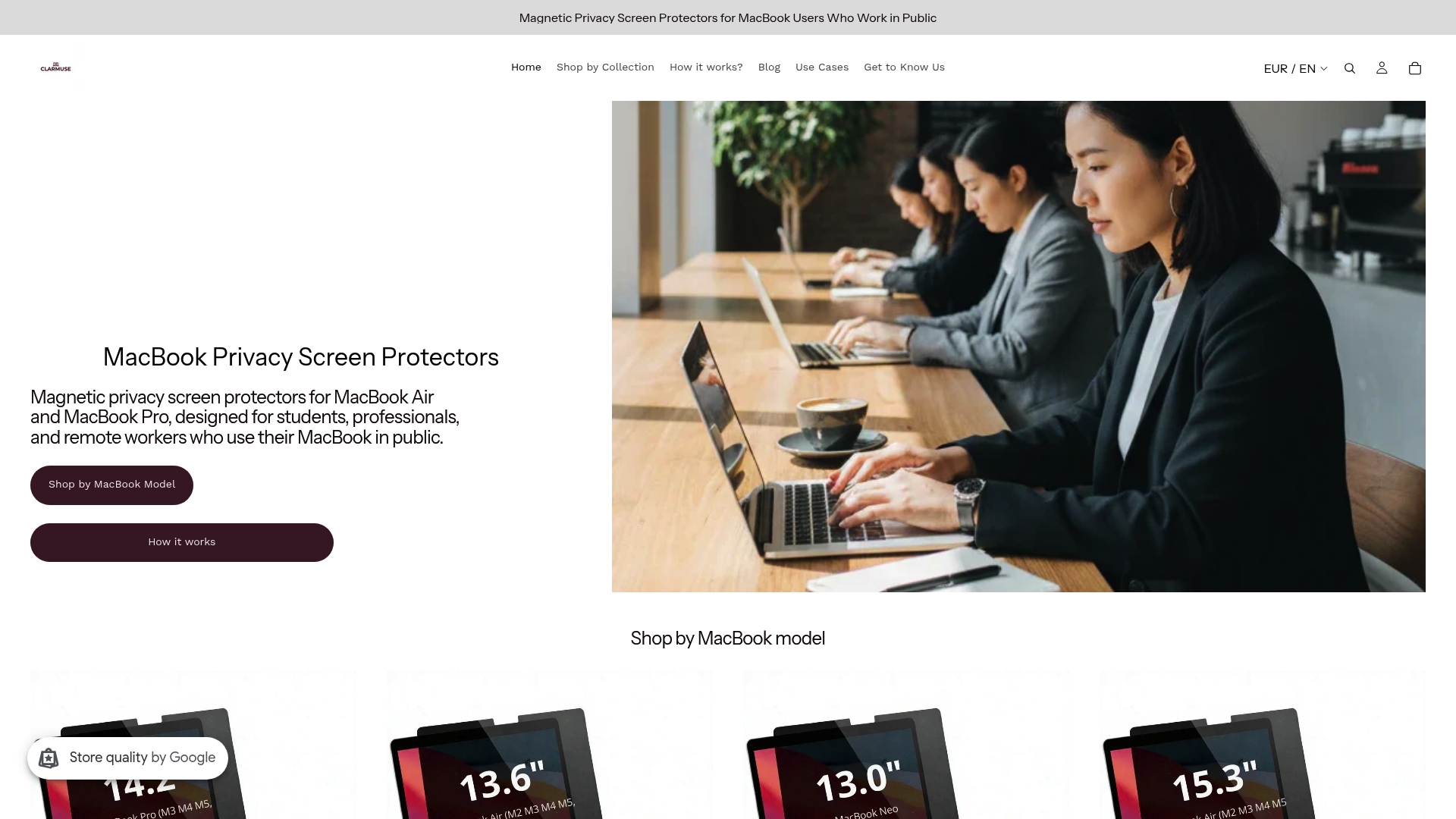
Clarmuse magnetic privacy screens are built for exactly that context. Each filter is designed to fit a specific MacBook model, from the MacBook Air 13.6" to the MacBook Pro 16.2", with magnetic attachment that takes seconds to apply or remove. The full range of MacBook privacy screen options covers the models most commonly used in academic settings. No adhesive, no residue, and no tools required.
FAQ
Why does thesis work need screen protection specifically?
Thesis work involves unpublished research, personal data, and sensitive advisor communications that require confidentiality. Screen protection limits side-angle visibility in shared spaces and protects the display from physical damage that could interrupt your work.
What is the difference between a privacy screen and a standard screen protector?
A standard screen protector guards against scratches and impacts. A privacy screen adds a micro-louver filter that restricts the viewing angle to roughly 30 degrees from center, blocking side viewers while keeping the display clear for the person directly in front.
Does a screen protector affect display quality for thesis work?
High-quality tempered glass protectors maintain screen clarity without significant impact on sharpness or color accuracy. Anti-glare and blue light filter coatings can slightly soften the image, so researchers reviewing color-sensitive figures should choose a protector with high optical transparency.
How does blue light filtering help during long thesis writing sessions?
Blue light filtering targets the 415–455nm wavelength range that causes eye fatigue, dryness, and headaches. Reducing exposure during sessions longer than two hours helps researchers maintain focus and avoid the discomfort that shortens productive work time.
Are magnetic privacy screens compatible with all MacBook models?
Magnetic privacy screens from Clarmuse are designed for specific MacBook Air and MacBook Pro models. Checking compatibility before purchasing ensures correct fit, proper lid closure, and full coverage of the display area.


