

Privacy screens are physical or digital barriers that restrict side-angle visibility and reduce auditory intrusion in lecture halls, directly improving student concentration and reducing distractions. The role of privacy screens in lecture halls extends well beyond simple visual blocking. These tools address a documented gap between student privacy concerns and institutional data protection practices, as a 2026 study of 200 higher education participants reveals. That gap matters because students who feel exposed are less likely to engage fully with course material. Understanding how these screens function, and how to deploy them well, gives both students and educators a concrete path to better learning outcomes.
How do privacy screens work to reduce distractions in lecture halls?
Privacy screens reduce distractions through two distinct mechanisms: visual angle restriction and sound absorption. Each addresses a different source of disruption in shared academic spaces.
Visual angle restriction
Most privacy screens use a micro-louver technology, a layer of tiny vertical slats embedded in the filter material. These slats direct light straight forward, so only the person sitting directly in front of the screen sees the content clearly. Anyone viewing from the side sees a darkened or blurred image. This is the same principle used in laptop privacy filters, scaled up for room dividers and window applications. The result is a controlled viewing cone, typically limited to a 30-degree angle on each side of center.
Sound absorption and quiet zones
Privacy screens also absorb sound energy, creating quieter, more focused study zones within open lecture spaces. This dual function matters in large halls where ambient noise from neighboring students, keyboards, and side conversations competes with the lecturer’s voice. Dense acoustic panels placed near noise sources reduce sound wave transmission before it reaches the student’s workspace.
Key features that make privacy screens effective in lecture halls include:
- Micro-louver filters that limit the viewing angle to the person directly in front
- Acoustic panel material that absorbs ambient sound rather than reflecting it
- Portable frames with medical-grade casters that allow single-person repositioning in seconds
- Height-adjustable designs that match the sightlines of seated students in tiered seating
- Modular panel systems that connect to cover wider areas without gaps
Pro Tip: Place acoustic privacy screens close to the primary noise source, such as a busy corridor door or a group work area, and position them at or above seated eye level. Strategic placement near noise sources is the single biggest factor in screen effectiveness, more than material thickness alone.
What benefits do privacy screens provide to students and educators?
Privacy screens deliver measurable benefits across three categories: academic performance, personal wellbeing, and institutional security.
Academic performance improves when visual distractions disappear. A student who cannot see a neighbor’s screen, or be seen by one, focuses attention on the lecturer and their own notes. Privacy screens create calm learning environments by reducing stress tied to distractions, social anxiety, and concerns about screen content being viewed by others. Calmer students retain information more effectively.
Personal wellbeing is the less obvious benefit. Social anxiety in lecture halls is real. Students who feel watched are less likely to take risks in note-taking, less likely to open personal documents, and more likely to disengage. Blocking unwanted lines of sight removes that pressure.
“Privacy screens reduce social anxiety by eliminating the awareness of being observed, which frees students to focus on learning rather than managing their self-presentation in a crowded room.”
Institutional security is a growing concern in smart classrooms equipped with cameras, sensors, and shared displays. The classroom privacy paradox describes the tension between data-driven personalization tools and student data protection rights. Physical privacy screens support ethical governance by limiting who can see sensitive data on student devices. Laptop privacy filters protect student data in shared educational spaces by preventing shoulder surfing and unauthorized viewing of screen content.
Educators benefit too. Instructors using privacy screens around demonstration stations prevent students from seeing exam materials or grading screens before the appropriate moment. That control supports fair assessment practices without requiring a separate room.
What are the main types of privacy screens used in lecture halls?
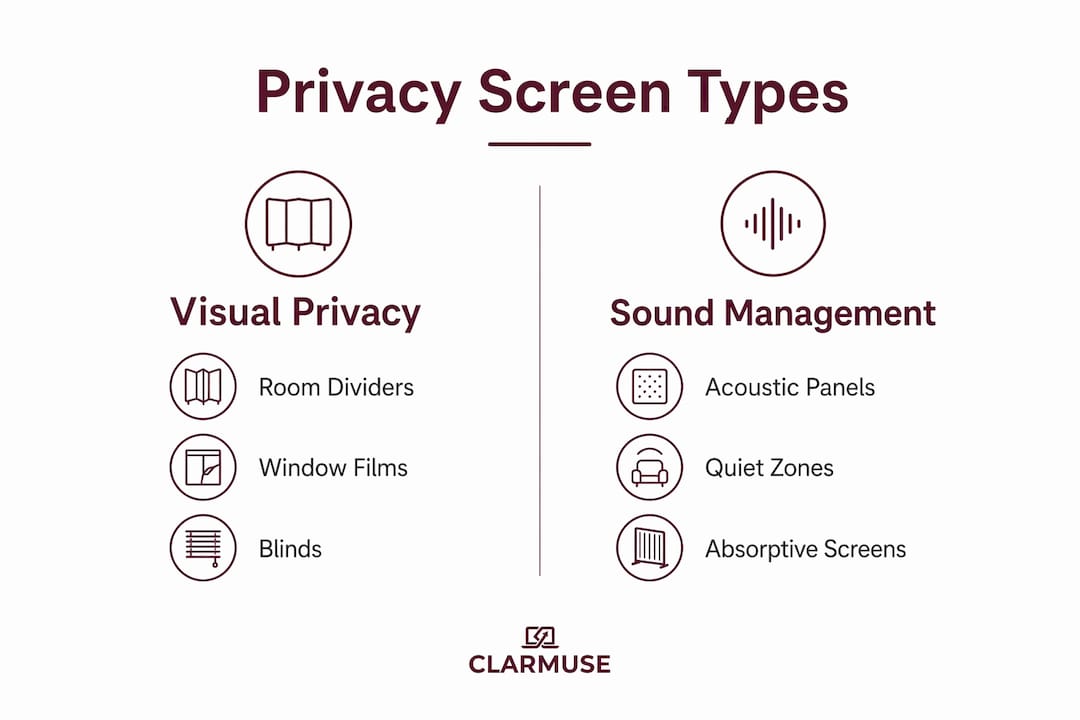
Different lecture hall layouts call for different screen types. The table below compares the four main categories by function, mobility, and best use case.
| Screen type | Primary function | Mobility | Best use case |
|---|---|---|---|
| Portable room dividers | Visual and acoustic privacy | High. Single-person setup in seconds | Open-plan halls, flexible seating areas |
| Privacy window films | Daylight-preserving visual privacy | Fixed | Perimeter windows, ground-floor classrooms |
| Internal blinds and vision panel flaps | Emergency visibility control | Fixed, fast-deploy | Lockdown safety plans, corridor-facing doors |
| Laptop and device filters | Personal screen privacy | Carried by student | Individual desks, shared computer labs |
Portable room dividers are the most flexible option. Portable privacy screens can be deployed by a single person in seconds and feature medical-grade casters built to last over 10 years of daily use in high-traffic areas. That durability matters in lecture halls where screens move between rooms daily.
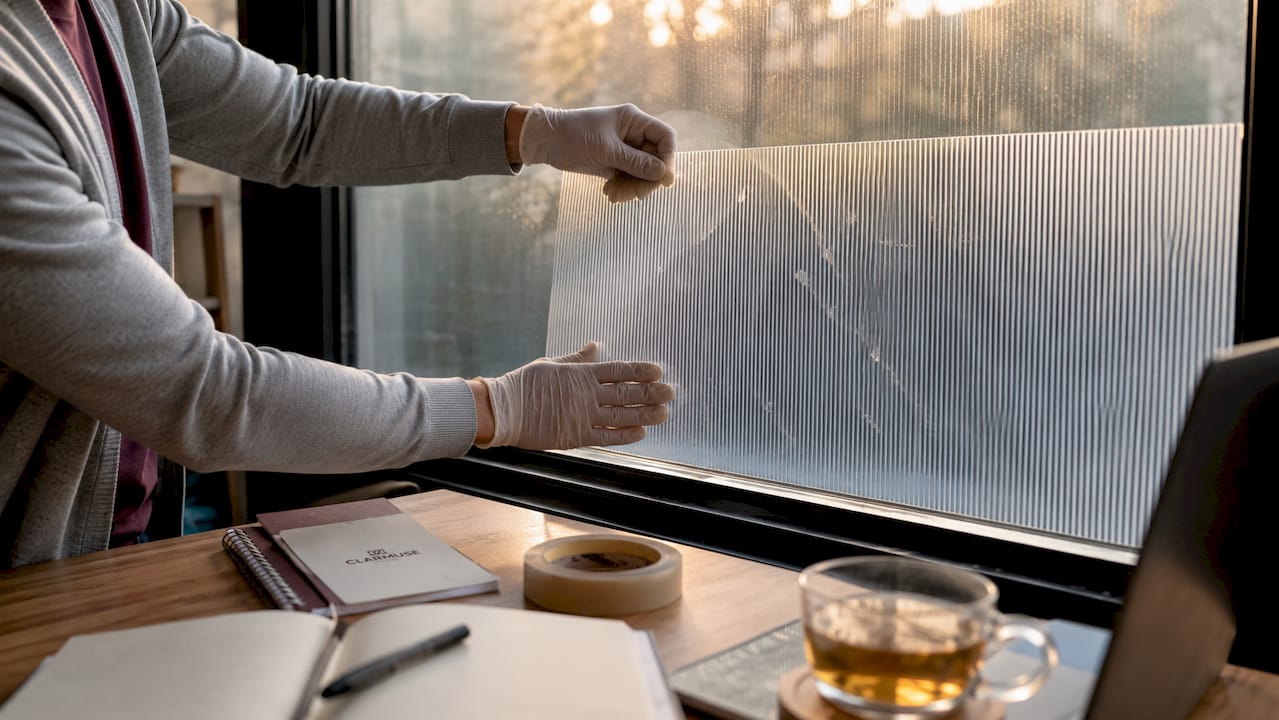
Privacy window films solve a specific problem: ground-floor classrooms visible from public walkways. Modern privacy window films allow classrooms to maintain natural daylight while significantly increasing privacy by limiting outside visibility. Students benefit from natural light without the distraction of passersby.
Internal blinds and vision panel flaps serve a safety function beyond everyday learning. Lockdown safety plans increasingly incorporate vision panel flaps to quickly reduce visibility into classrooms and corridors during emergencies. These are fixed installations, not portable, but they integrate with broader institutional security protocols.
Laptop and device filters address the most personal layer of privacy. A student in a 300-seat lecture hall sits inches from neighbors on both sides. A privacy filter on a MacBook limits the viewing angle so only the user sees the screen content clearly.
How can students and educators implement privacy screens effectively?
Choosing the right screen type is the first decision. Getting the implementation right is what determines whether the screen actually improves the learning environment.
- Assess the lecture hall layout first. Tiered seating with fixed rows needs a different solution than flat-floor flexible seating. Tiered halls benefit most from laptop-level filters because portable dividers cannot block elevated sightlines from rows above.
- Match screen height to seated eye level. A screen that ends at shoulder height leaves the upper portion of a laptop display visible to neighbors. Screens should reach at least 12 inches above the top of the tallest device in use.
- Position portable dividers before students arrive. Moving screens after students are seated disrupts the lecture and draws attention to the privacy measure itself, which defeats the purpose.
- Integrate with existing classroom technology. Screens placed in front of power outlets or cable runs create new problems. Plan the layout around the room’s existing infrastructure.
- Inspect and clean screens on a regular schedule. Acoustic panel material collects dust, which reduces sound absorption over time. Portable dividers with casters need wheel inspections to maintain mobility.
Pro Tip: Students using MacBooks can combine a physical room divider with a magnetic laptop privacy filter for layered protection. The room divider handles ambient noise and social sightlines; the laptop filter handles the neighbor directly beside you.
Educators managing shared lecture spaces should document screen placement in a room setup guide. That way, every instructor who uses the space deploys screens consistently, and the benefits are not lost between class sessions.
Key Takeaways
Privacy screens in lecture halls reduce distractions, protect student data, and support wellbeing by combining visual angle restriction with acoustic absorption across multiple screen types.
| Point | Details |
|---|---|
| Visual angle restriction | Micro-louver technology limits screen visibility to a 30-degree cone, blocking neighbor sightlines. |
| Acoustic dual function | Privacy screens absorb sound energy, creating quieter zones beyond just blocking visual distractions. |
| Multiple screen types | Portable dividers, window films, vision panel flaps, and laptop filters each serve distinct lecture hall needs. |
| Placement determines effectiveness | Screens positioned close to noise sources and at seated eye level deliver the strongest results. |
| Student data protection | Laptop privacy filters prevent shoulder surfing and support ethical data governance in smart classrooms. |
Why physical privacy in lecture halls deserves more attention than it gets
Most conversations about lecture hall design focus on acoustics, lighting, and seating ergonomics. Privacy screens rarely make the list, and that is a mistake I keep seeing repeated.
The research on the classroom privacy paradox points to something educators tend to underestimate: students are aware of being watched, and that awareness costs them cognitive bandwidth. When a student spends mental energy managing what a neighbor might see on their screen, that energy is not going toward the lecture. Physical privacy tools remove that tax entirely.
What I find most telling is how the same institutions that invest in smart classroom technology often neglect the simplest fix. A $40 laptop filter or a well-placed portable divider does more for student focus than most software-based engagement tools. The campus privacy tips for students conversation has matured significantly in 2026, but the physical layer still gets treated as optional.
The integration of privacy screens into lockdown safety plans is the development I find most significant. It signals that institutions are finally treating privacy as infrastructure, not an afterthought. Once a school installs vision panel flaps for emergency use, the same hardware serves daily privacy needs. That dual-use logic should drive more purchasing decisions.
My honest view: students should not wait for their institution to act. A personal laptop filter is the most immediate, portable, and affordable privacy solution available. It works in every lecture hall, every library, and every café, regardless of what the room provides.
— Gabriel
Clarmuse magnetic privacy screens for lecture hall use
Students who use MacBooks in lecture halls have a direct solution available from Clarmuse. The brand makes magnetic privacy screen protectors designed specifically for MacBook Air and MacBook Pro models, attaching cleanly without adhesives or tools.
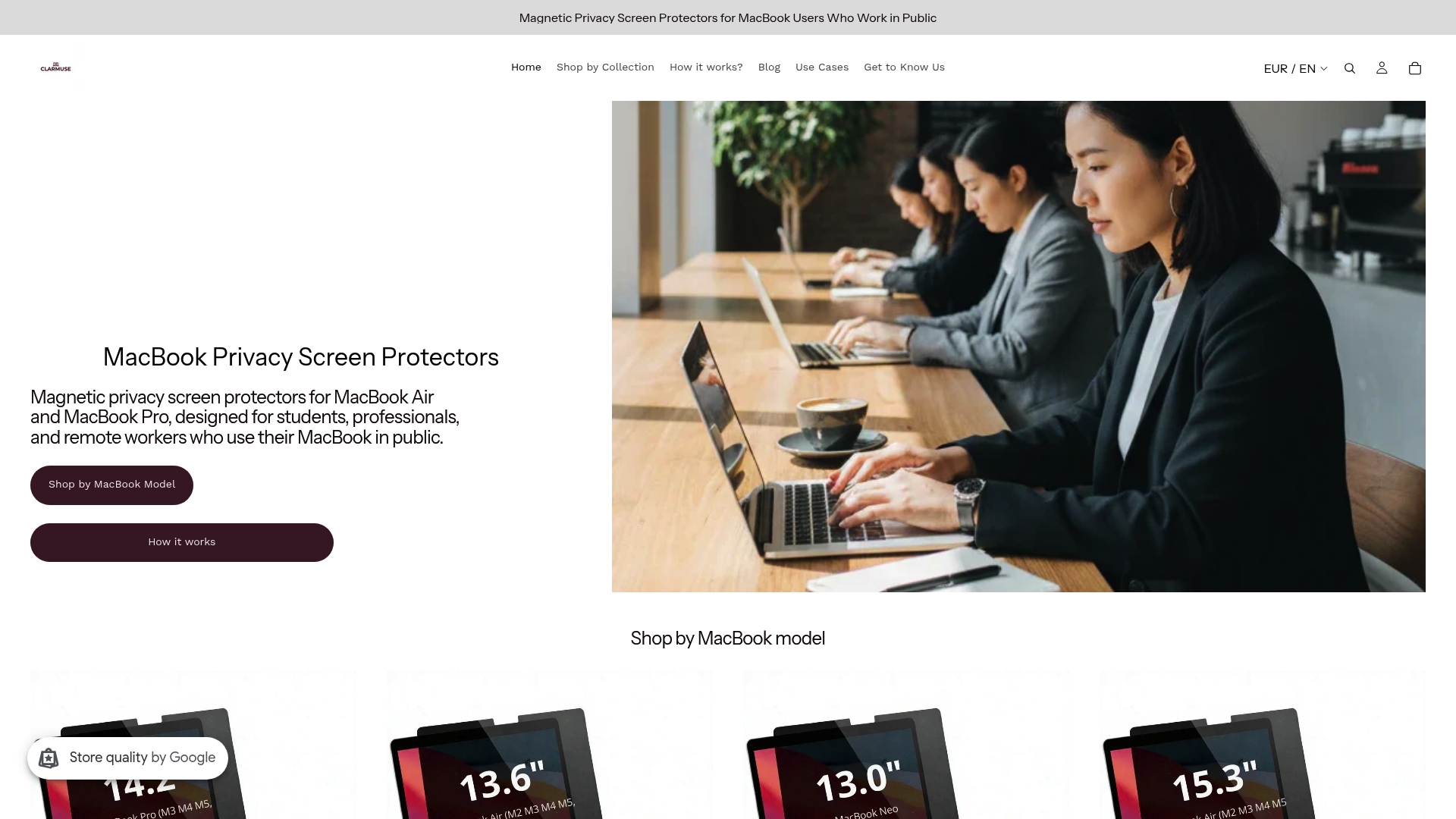
The magnetic attachment means the filter goes on before class and comes off in seconds afterward, with no residue and no bulk. Clarmuse screens limit side-angle visibility so the student beside you sees nothing, even in a packed 300-seat hall. The MacBook Pro privacy screen and MacBook Air privacy screen options cover the most common student laptop models. For students who want personal screen privacy without waiting for their institution to act, Clarmuse’s full MacBook privacy screen lineup covers every current model.
FAQ
What is the role of privacy screens in lecture halls?
Privacy screens limit side-angle visibility and reduce ambient noise in lecture halls, helping students focus on course material without visual or auditory distractions from neighbors.
Do privacy screens actually reduce noise in classrooms?
Yes. Dense privacy screen panels absorb sound energy rather than reflecting it, creating quieter zones around individual workstations or study areas within larger lecture spaces.
What type of privacy screen works best for individual students?
A laptop privacy filter is the most practical option for individual students. It attaches directly to the device, works in any seating arrangement, and prevents neighbors from viewing screen content.
How do privacy screens support student data protection?
Laptop privacy filters prevent shoulder surfing and unauthorized viewing of screen content, supporting the ethical data governance standards that smart classroom environments require.
Can privacy screens be part of a school’s safety plan?
Yes. Vision panel flaps and internal blinds are now integrated into institutional lockdown safety plans, providing fast visibility control during emergencies while serving daily privacy functions between incidents.


