

What are the main open office privacy challenges?

Open office environments create a predictable set of privacy problems. Noise, visual exposure, and confidentiality risks are the three core categories. Understanding each one is the first step toward addressing them.
Common open office privacy challenges:
- Noise distractions. Irrelevant speech, phone calls, and online meetings are the leading noise sources causing productivity loss and stress in open-plan offices.
- Visual privacy loss. Coworkers and passersby can see your screen, documents, and body language at any moment.
- Confidential conversation risk. Sensitive client calls, HR discussions, and financial data cannot be shared safely without walls.
- Reduced face-to-face communication. A 2018 Harvard Business School study found open-plan offices reduce face-to-face interaction by 70%, as workers avoid conversations that others can overhear.
- Cognitive overload. Constant sensory input forces workers to manage distractions alongside actual tasks.
- Loss of personal control. Workers cannot adjust noise, lighting, or foot traffic around their desk.
- Data security exposure. Screens visible to others create compliance risks under regulations like HIPAA and GDPR.
Three in five Americans report needing private workspaces to produce their best work. Open offices, by design, make that need difficult to meet.
How open office privacy issues damage productivity and well-being
The productivity cost of open office noise is measurable. Self-rated productivity loss due to noise distraction is doubled in open-plan offices compared to enclosed offices. Tasks requiring complex verbal processing are the most affected.
Beyond noise, there is a subtler problem: the visibility trap. Workers who feel constantly observed divide their attention between actual work and managing how they appear to colleagues and managers. This cognitive burden accelerates burnout even without active monitoring. Research from the University of California, Irvine, found it takes an average of 23 minutes to regain full focus after a single interruption. In a busy open-plan office, interruptions rarely stop at one.
Effective strategies to improve privacy in open offices
Workplace designers increasingly recommend multi-modal environments over single-mode open layouts. The goal is a range of settings within one space, not a return to rows of private offices.
Proven design and policy solutions:
- Quiet zones. Designated areas with enforced low-noise rules give workers a place for focused tasks.
- Semi-private booths. Acoustic pods or high-backed seating clusters reduce both sound and visual exposure without full walls.
- Sound masking technology. Background noise systems raise the ambient sound floor, making nearby conversations unintelligible without being disruptive.
- Acoustic treatments. Soft furnishings, carpet, ceiling baffles, and partial screens absorb sound and reduce reverberation.
- Privacy etiquette policies. Written norms around “do not disturb” signals, headphone use, and phone call locations give workers legitimate ways to protect focus.
- Moveable furniture. Reconfigurable desks and screens let teams create impromptu private areas for sensitive discussions.
- Strategic layout planning. Separating departments with different noise profiles (sales teams vs. analysts, for example) reduces cross-team disruption.
Pro Tip: Noise-canceling headphones protect your own concentration but do nothing to stop colleagues from overhearing your conversations. They create a false sense of privacy. Pair them with a physical barrier or a designated phone booth for calls involving sensitive information.
How Clarmuse privacy screens protect MacBook users in shared workspaces
Screen visibility is one of the most underrecognized privacy risks in open offices. A coworker glancing at your screen can expose client data, financial records, or confidential communications in seconds, often without either party noticing.
Clarmuse addresses this directly with magnetic privacy screen protectors built specifically for MacBook Air and MacBook Pro models. The magnetic attachment system means the filter goes on and comes off in seconds, with no adhesive, no residue, and no bulk added to your setup. For professionals working in coworking spaces, open offices, or shared workspace environments, that convenience matters as much as the protection itself.
What Clarmuse privacy screens provide:
- Side-angle visibility reduction, so only the person directly in front of the screen can read it clearly.
- MacBook-specific fit for Air and Pro models, avoiding the loose edges and misaligned cutouts common with generic filters.
- Clean, minimal design that does not compromise screen clarity for the primary user.
- Easy removal when privacy is not needed, unlike adhesive filters that stay on permanently.
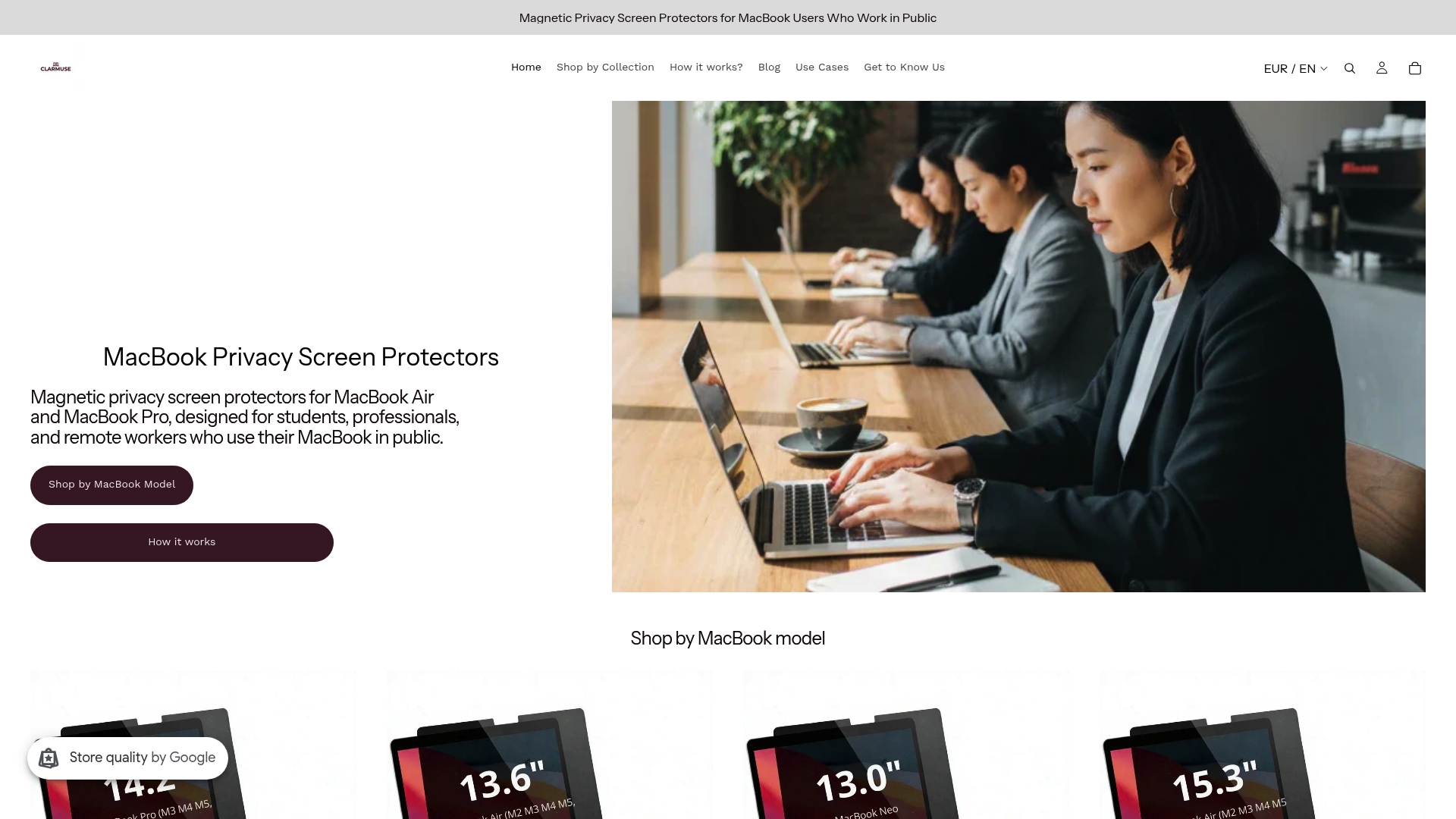
Clarmuse MacBook Pro privacy screens and MacBook Air models are available for the full current lineup, including the MacBook Pro 16.2", MacBook Air 15.3", and MacBook Air 13.6" (M2 through M5, 2022–2026).
Pro Tip: If you regularly work in cafés, airports, or open offices, a portable privacy screen is one of the fastest ways to close the visual exposure gap that acoustic solutions cannot touch.
Legal and ethical obligations around open office privacy
Privacy in the workplace is not only a comfort issue. Under HIPAA, healthcare organizations must protect patient information from unauthorized access, including incidental visual or auditory exposure in shared spaces. GDPR imposes similar obligations on any organization handling personal data of EU residents. Open offices, by default, create conditions where both types of violations can occur without any deliberate wrongdoing.
Legal and policy best practices for employers:
- Conduct a privacy risk assessment specific to the physical layout of the workspace.
- Establish clear policies on where sensitive calls and conversations may take place.
- Require privacy screen filters on devices used to handle regulated data.
- Train employees to recognize visual and auditory data exposure as a compliance risk, not just a comfort issue.
- Document accommodation procedures for employees whose roles require confidentiality.
Sensitive industries including healthcare, law, and finance carry the highest exposure. But any organization handling employee records, client contracts, or financial data faces real liability when those materials are visible to unauthorized eyes in an open floor plan.
Supporting neurodivergent employees in open office environments
Neurodivergent employees experience open office challenges more acutely than their neurotypical colleagues. Autistic workers, those with ADHD, and individuals with sensory processing differences are closer to their tolerance limits in high-stimulation environments. What a neurotypical worker manages as a minor annoyance can become a genuine barrier to function for a neurodivergent colleague.
Design and policy accommodations that help:
- Quiet rooms with low lighting and minimal visual clutter, available on demand without requiring formal justification.
- Adjustable lighting at individual workstations, reducing the sensory load of harsh overhead fluorescents.
- Low-stimulation zones away from high-traffic corridors and printer areas.
- Clear spatial organization so workers can predict what activity happens where.
- Written “do not disturb” norms that apply equally to all employees, removing the social friction of asking for quiet.
Inclusive workspace design benefits the entire office, not only neurodivergent workers. Acoustic improvements and reduced visual chaos help everyone concentrate more effectively.
Psychological effects of privacy loss beyond productivity
Privacy loss in open offices produces stress and job dissatisfaction that go beyond measurable output. A review of 49 open office studies published in Ergonomics found strong evidence that open workplaces reduce psychological privacy and job satisfaction. Workers in open plans report higher rates of fatigue, irritability, and difficulty concentrating, symptoms consistent with chronic low-level stress exposure.
The Journal of Architectural and Planning Research identified crowding as a specific psychological state triggered by shared facilities and constant observation. Workers experiencing crowding react negatively to interactions, have difficulty concentrating, and become dissatisfied with their jobs over time. This is not a personality issue. It is a predictable response to an environment that removes personal control.
Job satisfaction and privacy are directly linked. A large occupant survey found that the benefits of easier interaction in open offices did not offset the penalties of increased noise and decreased privacy in workers’ overall satisfaction ratings.
Employee rights and privacy policies in open office settings
Employees have legitimate expectations of privacy even in shared workspaces, and employers carry corresponding obligations. The right to a workspace that does not expose sensitive personal or professional information is increasingly recognized in both HR policy and employment law.
Practical policy frameworks for open offices should address three areas. First, physical privacy: designated spaces for confidential calls, private meetings, and focused work. Second, data privacy: clear rules on screen visibility, document handling, and device security in shared areas. Third, psychological privacy: written norms that legitimize “do not disturb” signals and protect workers from constant interruption.
Screen privacy laws vary by industry and jurisdiction, but the underlying principle is consistent: organizations are responsible for preventing unauthorized access to regulated data, regardless of whether that access happens through a cyberattack or a coworker’s line of sight.
Best practices for remote workers navigating open office privacy challenges
Remote workers who occasionally use coworking spaces, shared offices, or café environments face the same open office privacy challenges without the institutional support of a permanent employer setup. The responsibility for managing privacy falls more directly on the individual.
Practical steps for remote professionals:
- Choose seating with your back to a wall to eliminate rear screen visibility.
- Use a privacy screen filter on your laptop for any session involving client data, financial records, or confidential communications.
- Take sensitive calls in a designated phone booth or outside, not at an open desk.
- Use VoIP systems with headsets to contain audio and reduce the chance of conversations being overheard.
- Schedule deep-focus work for times when the shared space is least occupied.
- Establish a personal “do not disturb” signal, such as headphones on, and communicate it to regular coworking neighbors.
Coworking space privacy requires more deliberate planning than a private office, but the tools and habits that address it are straightforward once you know what the actual risks are.
Technology-related privacy concerns in open offices
Screen visibility is the most common technology-related privacy risk in open offices. Unintentional data leakage through coworkers glimpsing sensitive screens is a frequent and underrecognized cause of both privacy breaches and regulatory violations. A single glance at an unlocked screen can expose patient records, salary data, or client contracts.
Beyond screens, open offices create risks around audio from video calls, shared printers that output sensitive documents in common areas, and unsecured Wi-Fi networks in coworking environments. Online meetings conducted without headsets broadcast conversation content to everyone within earshot, a problem that has grown as hybrid work has increased the volume and frequency of video calls in shared spaces.
Mitigation at the device level includes privacy screen filters, automatic screen lock policies set to short intervals, encrypted storage, and VPN use on shared networks. At the organizational level, printer placement in low-traffic areas and clear document-handling policies reduce the risk of physical data exposure. The combination of physical and digital controls addresses the full range of technology-related exposure that open office layouts create.
Key Takeaways
Open office environments consistently reduce privacy, productivity, and job satisfaction, and the evidence for this spans decades of workplace research.
| Point | Details |
|---|---|
| Face-to-face communication drops sharply | Harvard Business School research found a 70% decrease in face-to-face interaction after moves to open-plan offices. |
| Noise doubles self-rated productivity loss | Workers in open-plan offices rate their noise-related productivity loss at twice the level of those in enclosed offices. |
| Screen visibility is a compliance risk | Unintentional data leakage through visible screens can violate HIPAA and GDPR, even without deliberate wrongdoing. |
| Multi-modal design outperforms single-mode layouts | Quiet zones, semi-private booths, and acoustic treatments address privacy needs without eliminating collaboration space. |
| Privacy screens close the visual exposure gap | Magnetic privacy filters like those from Clarmuse block side-angle screen visibility in shared and open environments. |
FAQ
How much does an open office reduce face-to-face communication?
A 2018 Harvard Business School study found that moving to an open-plan office reduces face-to-face interaction by 70%, with workers shifting to email and messaging instead.
What are the biggest privacy risks in open offices?
Noise exposure, screen visibility, and overheard conversations are the three primary risks, each capable of causing both productivity loss and regulatory compliance failures.
How can remote workers protect their privacy in shared spaces?
Seat yourself with your back to a wall, use a laptop privacy screen filter, take sensitive calls in enclosed areas, and schedule focused work during lower-traffic hours.
Are employers legally required to provide privacy in open offices?
Under regulations like HIPAA and GDPR, employers must prevent unauthorized access to regulated data, which includes incidental visual or auditory exposure in shared workspaces.
Do noise-canceling headphones solve open office privacy problems?
Noise-canceling headphones protect the wearer’s focus but do not prevent others from overhearing your conversations, making them an incomplete solution for confidentiality risks.


