

A privacy screen is defined as a physical filter that attaches to a laptop display and narrows the visible viewing angle to prevent side observers from reading on-screen content. The role of privacy screen coworking spaces demand has grown sharply as open-plan shared offices become the default work environment for professionals and students alike. Nearly half of organizations with flexible working policies identify visual hacking as a key security concern in shared environments. That statistic reflects a real daily risk: every time you open a sensitive document at a shared desk, the person beside you can potentially read it. Privacy screens, technically called privacy filters, address that risk directly and affordably.
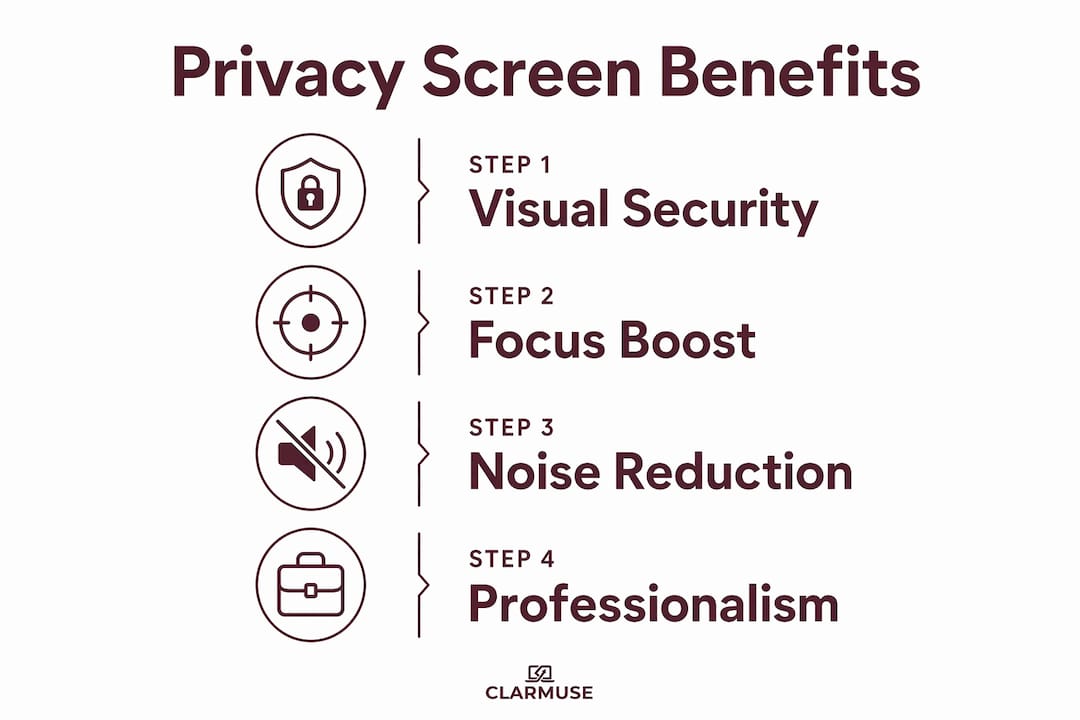
What is the role of privacy screens in coworking spaces?
Privacy filters restrict the effective viewing angle of a laptop display to roughly 60 degrees from straight-on. Anyone sitting to your left or right sees only a darkened or blurred screen. The person directly in front of the display sees full, clear content as normal.
The practical result is significant. You can work on client contracts, financial spreadsheets, or personal messages without worrying that a stranger at the next desk is reading along. This is the core function of a privacy filter: controlling who can see your screen based on physical position.
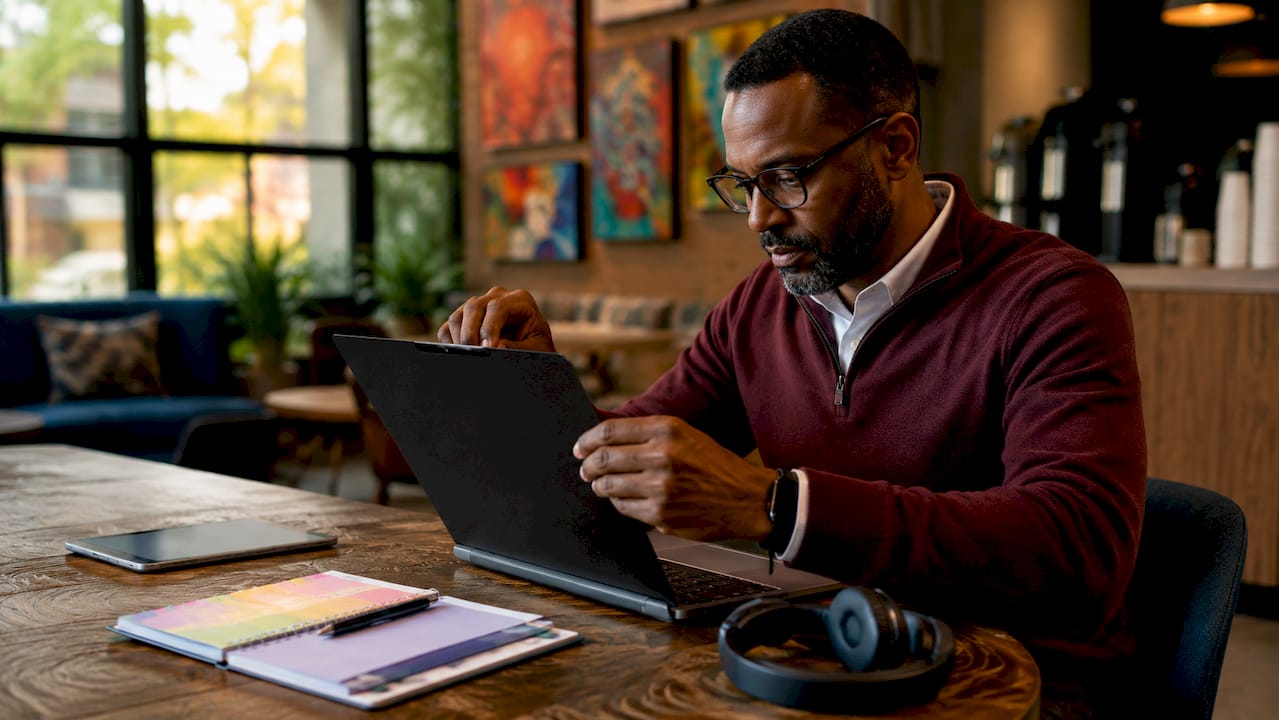
Standard privacy filters typically cost between $25 and $60, and most attach without tools. That low barrier to entry makes them one of the most cost-effective security measures available to anyone working in a shared space. Clarmuse takes this further with magnetic attachment designed specifically for MacBook models, so the filter goes on and comes off in seconds.
What privacy screens cannot do
Privacy filters have real limits. They do not protect against someone standing directly behind you. Reflective surfaces nearby, such as glass partitions or windows, can also create angles where screen content becomes partially visible. Adjusting screen brightness is often necessary after installing a filter, since the film reduces light transmission. Some filters can also interfere with certain peripheral setups or affect battery life slightly due to the brightness compensation required. Knowing these limits helps you plan a complete privacy setup rather than relying on one tool alone.
- Privacy filters block side-angle viewing at roughly 60 degrees from center
- They do not block views from directly behind the screen
- Reflective surfaces nearby can create secondary viewing angles
- Brightness adjustments are typically needed after installation
- Peripheral compatibility and battery impact are minor but worth checking
What are the broader benefits of privacy screens for focus and productivity?
Privacy screens do more than block side views. They signal territorial boundaries in shared spaces, reducing interruptions and boosting daily productivity beyond what data security alone provides. When your screen is visibly darkened from the side, colleagues and strangers are less likely to lean over and comment on what you are working on.
Research supports this effect. Combined privacy features including physical partitions can improve work performance by 13.8%–25.4% and increase spatial perception by 73.4% in shared environments. Those numbers point to something important: the psychological sense of having a defined personal space changes how you work, not just how secure your data is.
“Privacy in coworking is about control over exposure rather than isolation. When professionals feel they can manage who sees their work, they engage more confidently and collaborate more effectively.”
Open-plan office research consistently shows that visual privacy mitigates withdrawal behaviors and improves real collaboration. The counterintuitive finding is that giving people more visual control makes them more willing to participate, not less. A privacy filter on your MacBook is a small physical tool that produces a measurable psychological shift.
Pro Tip: If you notice yourself angling your screen away from others or hunching over your keyboard, that is a sign you need a privacy filter. Constant self-monitoring drains cognitive energy that should go toward your work.
The screen privacy benefits for remote workers extend well beyond security. Confidence, focus, and workflow discipline all improve when you stop managing who might be looking over your shoulder.
What complementary strategies enhance privacy screens in coworking spaces?
A privacy filter is the foundation, not the complete solution. A layered privacy approach combining physical positioning, privacy screens, and digital locks provides the strongest protection in shared spaces. Each layer addresses a gap the others leave open.
Positioning and physical setup
Seat selection is the single most controllable variable in a coworking environment. Choosing a desk with a solid wall or partition directly behind you eliminates the rear-angle vulnerability that privacy filters cannot address. Facing the room rather than a window also reduces glare-based reflection risks.
Behavioral habits that reinforce filter effectiveness
Privacy screens trigger better awareness about seat selection, screen angle, and locking behavior. That awareness compounds over time into reliable habits. The following practices work well alongside a physical filter:
- Lock your screen every time you step away, even for 60 seconds.
- Use a password manager so login credentials never appear in plain text.
- Book a private booth or phone room for video calls involving sensitive content.
- Minimize browser tabs with personal or financial information when in high-traffic areas.
- Angle your screen slightly downward to reduce reflection off overhead lighting.
Modular tools that extend your privacy setup
Modular privacy setups in shared workspaces reduce noise complaints by 30% and improve concentration on long-form tasks. Portable desk dividers and acoustic panels serve a similar territorial function to privacy filters but address sound and physical proximity rather than visual exposure. Noise-canceling headphones complete the picture by reducing ambient distraction without requiring any changes to the physical space.
Pro Tip: When booking a coworking desk, look for spots near corners or along walls. That single choice reduces your visual exposure from multiple directions before you even open your laptop.
| Privacy method | What it addresses |
|---|---|
| Privacy filter | Side-angle screen visibility |
| Wall or partition seating | Rear-angle exposure |
| Screen lock habit | Unattended device access |
| Private booth booking | Audio and video call exposure |
| Modular desk dividers | Physical proximity and noise |
The privacy-first approach to digital tools mirrors this layered thinking. Combining physical and software-level privacy measures closes more gaps than either approach alone.
How are privacy screens shaping office culture and workspace design in 2026?
Privacy filters have become standard nomad gear in 2026, viewed as professional hygiene rather than paranoia. The shift is significant. Two years ago, pulling out a privacy filter at a shared desk felt like an unusual move. Now it signals professionalism and awareness, the same way a clean desk or a quality headset does.
Coworking operators have responded to this shift by integrating privacy into their physical layouts. Modular partitions, semi-enclosed booths, and designated quiet zones are now standard features in well-designed flexible workspaces. These design choices reflect a broader understanding that control over exposure enables safer, more confident engagement at work.
Employer policies are also catching up. Organizations with hybrid work arrangements increasingly require staff to use privacy measures when working from shared or public locations. That requirement covers both physical filters and digital practices such as VPN use and screen locking. The result is a workplace culture where privacy is a shared responsibility, not an individual quirk.
- Privacy filters are now considered standard professional equipment in flexible work settings
- Coworking operators build modular partitions and quiet zones into their layouts
- Employers with hybrid policies increasingly mandate privacy measures for off-site work
- The cultural framing has shifted from “hiding something” to “working professionally”
- Why privacy screens improve work confidence is now a recognized topic in workplace design research
The role of privacy screens in office culture is no longer peripheral. They are part of how professionals define and defend their workspace in environments they do not own or fully control.
Key takeaways
Privacy screens are the most cost-effective first layer of visual security for professionals and students working in shared spaces, and their benefits extend well beyond data protection into focus, confidence, and workspace culture.
| Point | Details |
|---|---|
| Core function | Privacy filters restrict side-angle viewing to roughly 60 degrees, blocking shoulder surfing. |
| Productivity impact | Combined privacy features improve work performance by 13.8%–25.4% in shared environments. |
| Layered approach | Filters work best combined with wall seating, screen locking, and private booths for calls. |
| Cultural shift | Privacy filters are now standard professional gear in flexible and hybrid work settings. |
| MacBook fit matters | Device-specific filters like those from Clarmuse attach magnetically and remove without hassle. |
What I have learned from using privacy screens daily in coworking setups
The most common misconception I see is that privacy screens are purely a security tool. People buy one because they handle sensitive client data, use it for a week, and then notice something unexpected: they feel less distracted. The filter changes how others interact with your space. People stop leaning over. Conversations that would have started with “oh, what are you working on?” simply do not happen.
The second thing I have observed is that a privacy filter changes your own behavior. You start choosing better seats. You lock your screen when you walk away. You think twice before pulling up a personal account in a crowded room. The filter does not create those habits on its own, but it makes you more aware of the choices you are making. That awareness is worth more than the filter itself.
My practical advice: do not buy a generic filter that clips onto your screen. The fit matters. A filter that does not sit flush with your display creates gaps at the edges where side-angle viewing is still possible. Clarmuse builds filters specifically for MacBook Air and MacBook Pro models, and the magnetic attachment means you are not fighting with adhesive or clips every time you move between locations. That convenience is what makes you actually use it every day rather than leaving it in your bag.
Combining a well-fitted filter with good seat selection and a screen-lock habit covers the vast majority of privacy risks in a coworking environment. Digital privacy tools, covered well in portable workspace privacy guides, complete the picture for anyone handling truly sensitive work.
— Gabriel
Clarmuse magnetic privacy screens for MacBook users
Clarmuse makes magnetic privacy screen protectors built specifically for MacBook Air and MacBook Pro models. The magnetic attachment means no adhesive, no clips, and no residue. The filter goes on before you sit down and comes off when you pack up.
For professionals and students who move between coworking spaces, cafés, and offices, the fit and convenience matter as much as the privacy function itself. Clarmuse offers options for the MacBook Pro 14.2", the MacBook Pro 16.2", and the MacBook Air 15.3". Each filter is sized for exact model fit, so the viewing angle restriction works as intended without gaps at the edges.
FAQ
What does a privacy screen actually do on a laptop?
A privacy screen narrows the display’s visible angle to roughly 60 degrees from center, making the screen appear dark or blank to anyone sitting to the side. The person directly in front of the screen sees full, clear content.
Are privacy screens worth it in coworking spaces?
Privacy filters address visual hacking, a concern flagged by nearly half of organizations with flexible working policies. Beyond security, they reduce interruptions and improve focus by signaling personal workspace boundaries.
Do privacy screens affect display quality?
Privacy filters reduce light transmission, so screen brightness typically needs to increase after installation. Color accuracy and clarity remain strong for the direct-on viewer, though some filters affect contrast slightly.
Can a privacy screen replace other privacy measures?
A privacy filter alone does not cover all angles. The most effective setups combine a filter with wall-facing seating, a screen-lock habit, and private booths for sensitive calls.
How do I choose the right privacy screen for my MacBook?
Choose a filter sized exactly for your MacBook model. Device-specific filters like those from Clarmuse use magnetic attachment for a flush fit, which closes the edge gaps that generic clip-on filters leave open.


