

Screen privacy performance review season is the period when employees conduct or receive evaluations in shared or open workspaces, making on-screen data confidentiality a direct operational concern. Sensitive information, including salary figures, performance ratings, and personal feedback, appears on MacBook screens in cafés, coworking spaces, and open-plan offices where side-angle visibility is constant. Standards like HIPAA for healthcare workers and financial data security frameworks require organizations to protect this information, even during informal review sessions. Physical privacy screen solutions, particularly magnetic filters, are the most reliable method for controlling who sees your screen in these environments.
What types of screen privacy solutions work best during review season?
Physical privacy filters are the most effective screen privacy solutions for MacBook users in shared spaces. Physical filters provide stronger side-angle blackout than any built-in software option, particularly under high ambient light. Software-based privacy features built into operating systems reduce screen brightness or add visual overlays, but they fail at extreme viewing angles where a nearby colleague can still read your screen clearly.
Three main categories cover the market:
- Magnetic privacy filters: Attach and detach in seconds without adhesive. They leave no residue and offer full side-angle blackout. This format is the most practical choice for performance review contexts where you need privacy on demand, not permanently.
- Adhesive privacy filters: Bond directly to the screen surface. They offer consistent privacy but cannot be removed without risk of damage, making them a poor fit for situational use during evaluations.
- Software-based privacy tools: Built into macOS or available as third-party apps. They reduce visibility to some degree but lack full privacy protection against determined side-angle viewing.
Magnetic or removable privacy screens are the recommended choice for performance review season because they provide flexibility without permanent screen dimming. You apply the filter when the review begins and remove it the moment you need full color accuracy for other work.
Pro Tip: If you work in a coworking space or open office, choose a magnetic filter sized specifically for your MacBook model. A filter that overhangs or leaves gaps at the edges reduces both privacy and screen clarity.
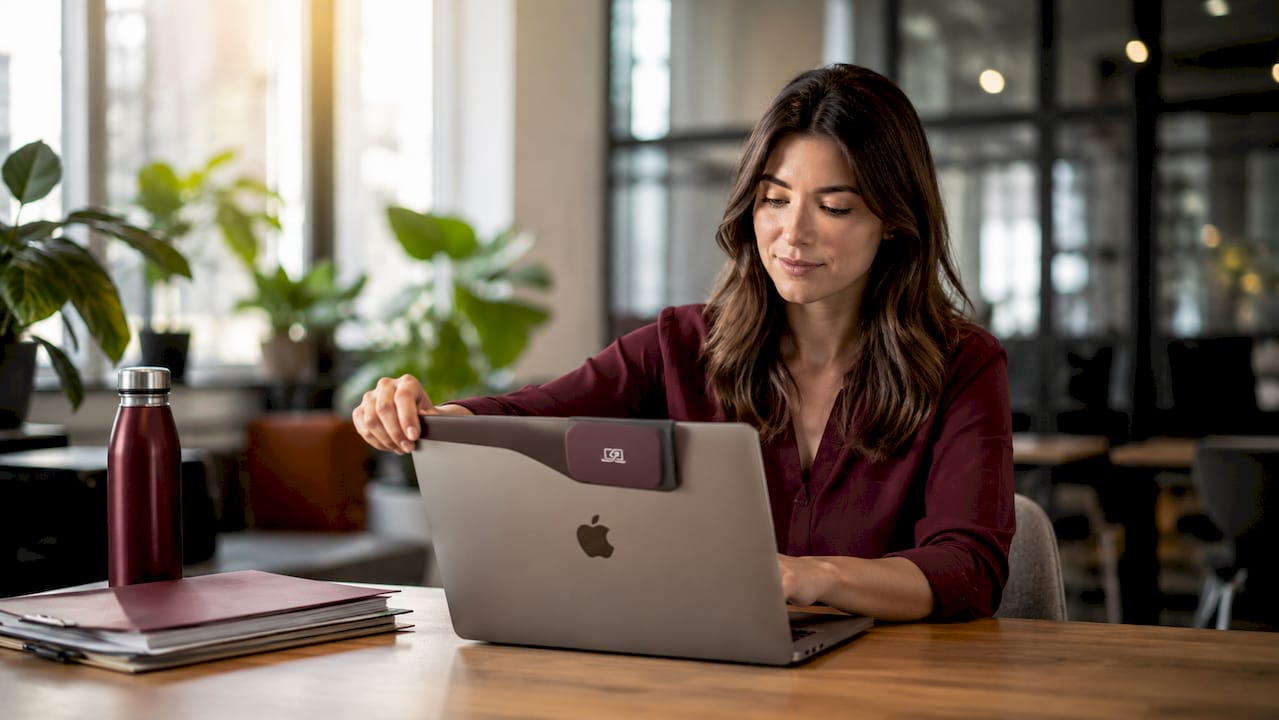
Privacy screens are most beneficial for professionals handling sensitive information during performance reviews, including finance workers, healthcare professionals, and legal personnel. For these groups, the trade-off in screen brightness is a reasonable cost for guaranteed confidentiality.
How do privacy screens affect screen performance and battery life?
Privacy screen filters reduce effective screen brightness by a measurable amount. Typical brightness reduction sits at 25–30%, which forces most users to manually increase their MacBook’s brightness setting to maintain comfortable viewing. That adjustment has a direct cost.
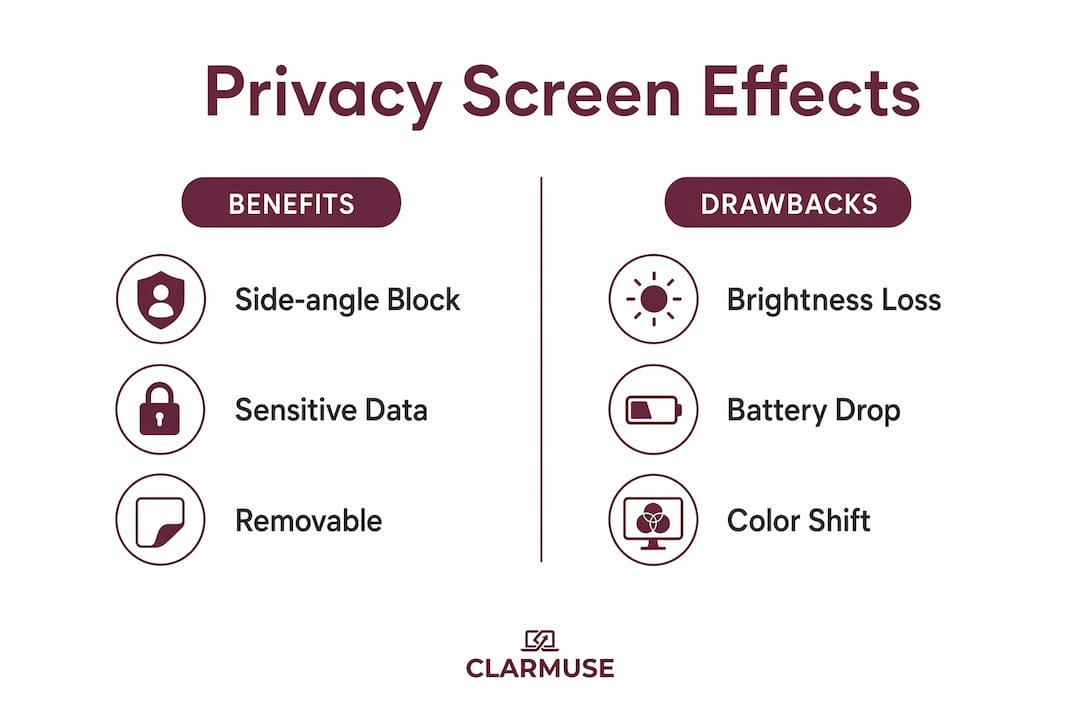
Increased brightness usage causes an approximate 5–8% drop in overall battery life. For a MacBook Air with a rated 18-hour battery, that translates to roughly 54–90 minutes of lost runtime per charge. During a full-day review period in a location without easy access to power, that loss matters.
Color accuracy also takes a hit. Privacy screen protectors can cause visible block patterns or graininess on white backgrounds, which some users find distracting during prolonged use. This effect comes from the nanolouver technology inside the filter, which physically blocks light at angles beyond roughly 30 degrees from center. The graininess is most visible on document-heavy screens with large white areas, exactly the kind of content common during review sessions.
| Impact area | Effect | Practical adjustment |
|---|---|---|
| Screen brightness | 25–30% reduction | Increase brightness manually by 2–3 steps |
| Battery life | 5–8% decrease | Carry a charging cable or power bank |
| Color accuracy | Graininess on white backgrounds | Use dark mode for document review |
| Side-angle visibility | Near-complete blackout | No adjustment needed |
Pro Tip: Indoors under fluorescent office lighting, set your MacBook brightness to around 70–75% with a privacy filter applied. Outdoors or near windows, push to 85–90% to compensate for ambient light washing out the already-dimmed display.
Users prioritizing screen clarity during creative or design work often prefer situational use of privacy filters rather than permanent application. That preference aligns well with review season use: apply the filter for the evaluation, remove it for everything else.
What are the best positioning practices for MacBook screen privacy?
Screen positioning is the first line of defense before any filter is applied. Proper screen positioning combined with privacy filters greatly enhances confidentiality by limiting side-angle viewing in open-plan office environments. The two strategies work together, not as substitutes for each other.
Follow these positioning practices during performance evaluations:
- Choose a wall-facing seat. Sitting with your back to a wall eliminates rear viewing angles entirely. This single choice removes the most common source of visual exposure in cafés and coworking spaces.
- Tilt the screen back slightly. A screen angled at 100–110 degrees from the keyboard reduces overhead viewing angles without affecting your own viewing comfort.
- Lock your screen during breaks. Set your MacBook to lock after 30 seconds of inactivity. A privacy filter does nothing if you step away and leave the screen active.
- Avoid glass partitions behind you. Reflective surfaces can mirror your screen content to people across the room, bypassing the filter entirely.
- Use a magnetic filter for situational control. Apply it at the start of the review and remove it when the session ends. This approach, outlined in Clarmuse’s visual security guidance, combines technical and behavioral controls for maximum effect.
Effective privacy management during performance reviews combines technical tools like magnetic filters with behavioral strategies like screen positioning and locking the device when unattended. Neither approach alone covers every exposure risk.
What employee privacy rights apply during performance review season?
Employee privacy rights during performance reviews vary by jurisdiction, but several principles apply broadly across American workplaces. Employers have a legal and ethical obligation to protect the personal information discussed or displayed during evaluations, including compensation data, disciplinary records, and health-related accommodations.
Key rights and obligations relevant to screen privacy include:
- Confidentiality of review content. Performance review data is generally classified as sensitive personal information under frameworks like the California Consumer Privacy Act (CCPA) and similar state-level statutes. Employers must take reasonable steps to prevent unauthorized access, including visual access in shared spaces.
- Right to a private review setting. Employees can reasonably expect that their evaluation will not be visible to coworkers. Conducting a review in an open office without screen protection may expose the employer to liability if sensitive data is seen by unauthorized parties.
- HIPAA implications for healthcare workers. Healthcare professionals whose reviews reference patient-related performance metrics face additional obligations under HIPAA, which requires protection of any information that could indirectly identify a patient.
- Employer responsibility for physical security. Data security standards, including those from the National Institute of Standards and Technology (NIST), recognize visual exposure, sometimes called “shoulder surfing,” as a legitimate security threat requiring physical controls.
Employees who work in open offices and handle sensitive review data have a practical interest in using privacy screen options that align with their employer’s data protection policies. A magnetic filter is a low-cost, individual-level control that supports compliance without requiring organizational infrastructure changes.
Key Takeaways
Magnetic privacy filters are the most practical screen privacy solution for MacBook users during performance review season because they combine full side-angle blackout with on-demand removability.
| Point | Details |
|---|---|
| Magnetic filters outperform software options | Physical filters block side-angle viewing that software tools cannot stop under high ambient light. |
| Brightness and battery trade-offs are real | Expect a 25–30% brightness drop and a 5–8% battery reduction when using a privacy filter. |
| Positioning multiplies filter effectiveness | A wall-facing seat plus a magnetic filter removes nearly all common viewing angles in shared spaces. |
| Employee privacy rights support screen protection | CCPA, HIPAA, and NIST frameworks recognize visual exposure as a security risk employers must address. |
| Situational use is the practical standard | Apply the filter for the review session and remove it for color-critical work to minimize trade-offs. |
What I’ve learned from working through review season in open offices
The conventional advice on screen privacy during reviews focuses almost entirely on the filter itself. Buy a privacy screen, apply it, done. That framing misses the bigger picture.
The filter is the easy part. The harder discipline is the behavioral layer: choosing the right seat before the meeting starts, locking the screen the moment you step away, and knowing when to remove the filter so your screen stays usable for the rest of the day. Privacy filters not only protect screen content but also improve user confidence and perceived professionalism during reviews. That confidence effect is real and underrated.
What I’ve also noticed is that ergonomic benefits of privacy screens get overlooked entirely. Reducing visual distractions in open offices indirectly sharpens focus during review sessions. When you’re not aware of people walking behind you, you stay in the conversation longer and process feedback more clearly.
The magnetic format changed how I think about privacy filters as a category. A filter you can attach in two seconds and remove just as fast stops feeling like a trade-off and starts feeling like a standard tool, the same way you’d put on headphones to signal focus. The presentation prep parallel is apt: you wouldn’t run through sensitive slides in a crowded room without controlling who can see the screen. Reviews deserve the same standard.
— Gabriel
Clarmuse magnetic privacy screens for MacBook review season
Clarmuse makes magnetic privacy screen protectors built specifically for MacBook Air and MacBook Pro models, with a fit that covers the full display without overhang or gaps.
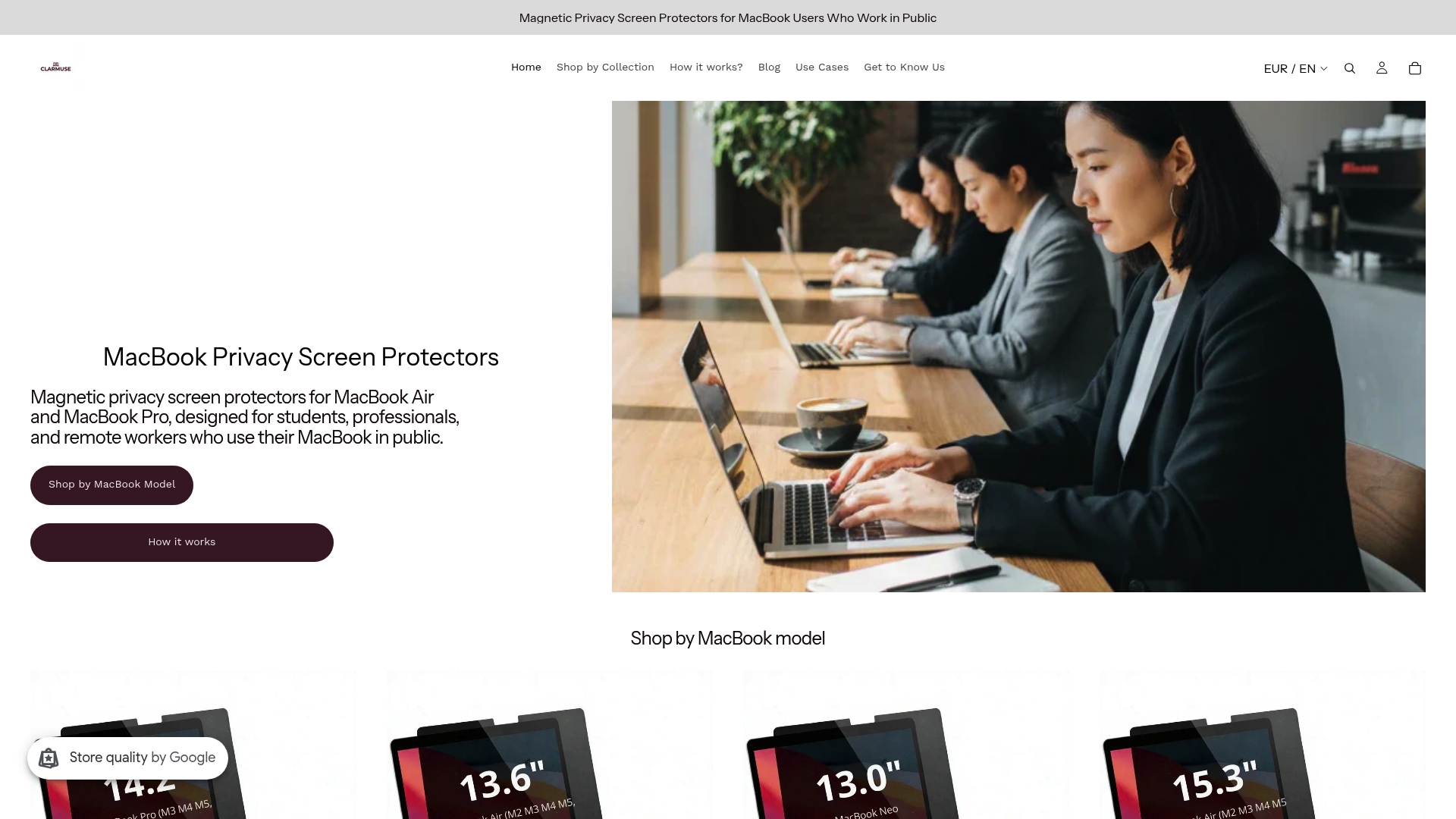
The magnetic attachment system requires no adhesive and leaves no residue. You attach the filter at the start of a review session and remove it in seconds when the session ends. That on-demand control is exactly what performance review season demands. Clarmuse filters are available for MacBook Air 13.6" and MacBook Air 15.3", as well as MacBook Pro models including the 14.2" and 16.2". Each filter provides near-complete side-angle blackout while keeping the center view clear and sharp for the person using the screen.
FAQ
What is screen privacy performance review season?
Screen privacy performance review season refers to the period when employees conduct or receive evaluations in shared or open workspaces, requiring active measures to prevent unauthorized viewing of sensitive on-screen data. Physical privacy filters and screen positioning are the primary controls used during this period.
Do privacy screen filters work on MacBook displays?
Physical privacy filters provide strong side-angle blackout on MacBook displays, reducing visibility beyond roughly 30 degrees from center. Magnetic filters sized for specific MacBook models deliver the best fit and coverage.
How much does a privacy filter affect MacBook battery life?
A privacy filter causes an approximate 5–8% drop in battery life because users must increase screen brightness to compensate for the 25–30% brightness reduction the filter introduces.
Are employees entitled to privacy during performance reviews?
Employees have a reasonable expectation that review content, including compensation and performance data, will not be visible to unauthorized coworkers. Frameworks like CCPA and NIST security standards recognize visual exposure as a legitimate data security risk.
Can I use a privacy filter only during review sessions and remove it afterward?
Magnetic privacy filters are designed for exactly this use case. They attach and detach without adhesive, making them practical for situational use during evaluations without permanently affecting screen brightness or color accuracy.


