

Privacy filters are specialized screen overlays that narrow your laptop’s viewing angle to prevent nearby strangers from reading your screen. For road warriors, the role of privacy filters goes beyond a simple accessory. They are a frontline defense against shoulder surfing in airports, cafes, trains, and coworking spaces where sensitive data is always at risk. Industry guidance in 2026 recommends privacy filters for any professional handling confidential information in transit or open offices. Paired with VPNs and device management, they form a core part of the modern traveler’s security setup.
What is the role of privacy filters for road warriors?
Privacy filters block side-angle views of your screen using a physical optical layer. The standard industry term for this technology is a “micro-louver privacy filter.” Micro-louvers are tiny vertical blinds embedded in the filter material. They restrict viewing angles to approximately 30 degrees from center, so anyone sitting beside or behind you sees only a darkened screen.
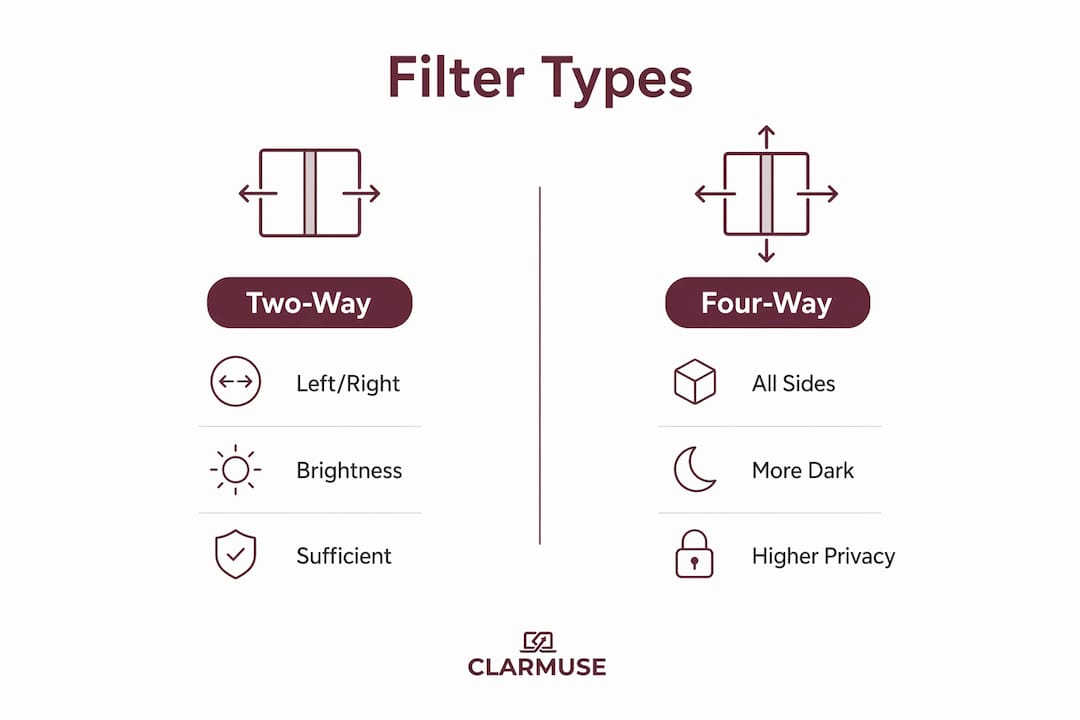
Two-way vs. four-way filters
Not all filters work the same way. Two-way privacy filters block visibility from the left and right sides only. They work well in portrait orientation but lose their effect in landscape. Four-way filters block all four sides, including top and bottom angles. They cost more but offer broader coverage in any orientation.
How brightness is affected
Micro-louvers physically narrow light transmission. That trade-off reduces screen brightness by about 25–30%. On high-end devices, this can increase battery usage by 5–8% if you compensate by raising display brightness. You can read more about managing this balance in Clarmuse’s guide on screen clarity trade-offs.
Key filter types at a glance:
- Micro-louver filters: The most common type. Effective in fixed seating like planes and trains.
- Polarizing filters: Use light polarization rather than louvers. Thinner profile, slightly less effective at extreme angles.
- Two-way filters: Block left and right views. Best for standard laptop use.
- Four-way filters: Block all sides. Best for tablet or convertible device users.
Pro Tip: If you work primarily in window seats or fixed-row seating like economy class, a two-way filter is sufficient. Choose a four-way filter only if you regularly work in open spaces where people can approach from any direction.
Why privacy filters are indispensable for digital nomads
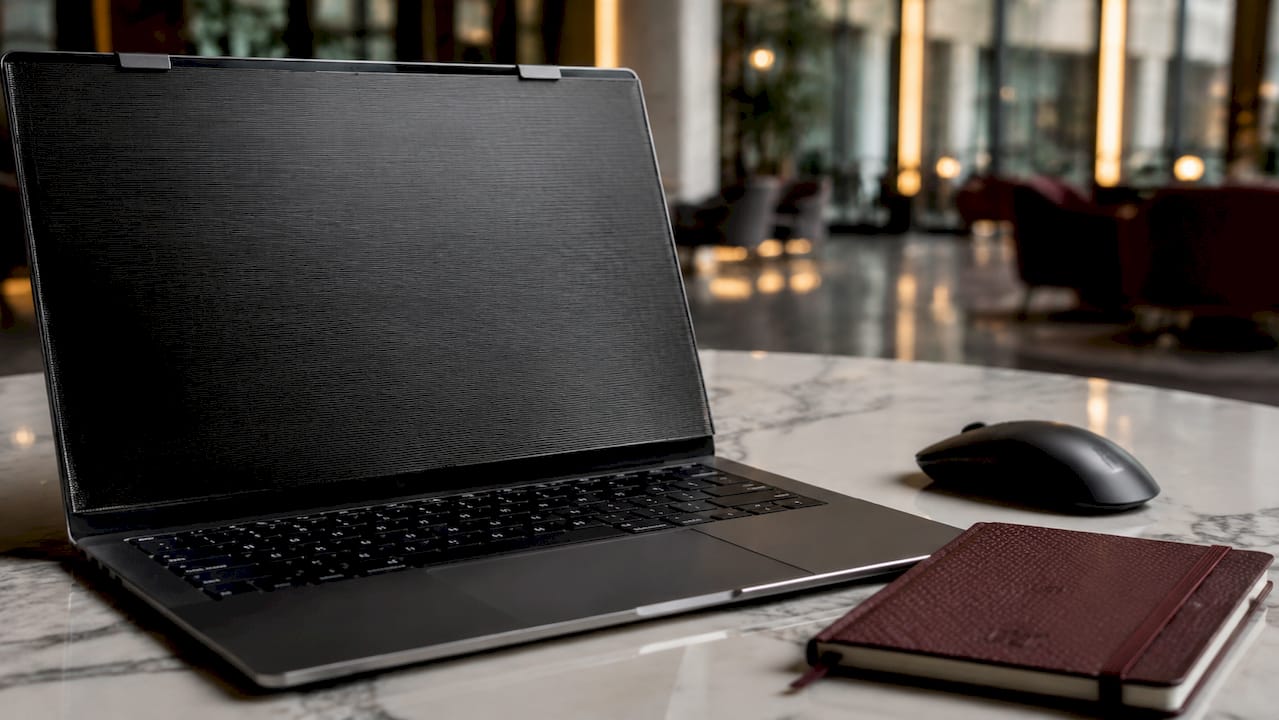
Privacy filters protect confidential data for professionals across multiple fields, including lawyers reviewing case files, healthcare workers accessing patient records, finance professionals viewing account data, journalists protecting sources, and executives reading internal reports. Each of these roles involves information that carries real consequences if exposed.
The environments where travelers work make this risk concrete. A business-class seat on a transatlantic flight puts you within 18 inches of a stranger for hours. A coworking space in Lisbon or Bali may seat dozens of people in an open room. Airport lounges, hotel lobbies, and coffee shops all create the same problem: your screen is visible to anyone who glances over.
Shoulder surfing is not a theoretical threat. It is a low-effort, high-reward tactic for anyone looking to steal credentials, client data, or competitive information. A privacy filter reduces that risk by making your screen appear black from the side, removing the incentive entirely.
| Environment | Primary risk | Filter benefit |
|---|---|---|
| Airplane cabin | Seat neighbor with direct side view | Blocks lateral visibility completely |
| Airport lounge | Open seating, foot traffic | Reduces casual glance exposure |
| Cafe or coworking space | Strangers seated nearby or passing | Limits screen to direct-front view only |
| Train or bus | Crowded rows, standing passengers | Prevents over-shoulder reading |
| Hotel lobby | Open, unpredictable seating | Deters opportunistic viewing |
Beyond privacy, filters deliver practical secondary benefits. Scratch and fingerprint protection extends the life of your display. Many filters also reduce blue light exposure, which matters when you are working long sessions across time zones. These benefits improve productivity over extended mobile work sessions without adding weight or complexity to your setup.
Protecting client data on screen is not just a personal preference. For lawyers, healthcare workers, and finance professionals, it is often a compliance requirement under regulations like HIPAA and GDPR.
What are the trade-offs and limitations of privacy filters?
Privacy filters are effective, but they are not without drawbacks. Understanding the limitations helps you use them correctly rather than relying on them as a complete solution.
Brightness reduction is the most common complaint. The 25–30% brightness drop means you will likely increase your display brightness to compensate. That increase draws more power. On a MacBook Air, this can shorten a working session by a meaningful margin on a long flight without access to a power outlet.
Touchscreen and fingerprint sensor interference affects some devices. The added filter layer can reduce touch sensitivity and may interfere with fingerprint readers built into the display bezel. MacBook users are less affected since Touch ID sits on the keyboard, not the screen.
Direct rear exposure remains unblocked. Privacy filters block lateral viewing angles but do not stop someone standing directly behind you from reading your screen. This is a fundamental limitation of the technology. Situational awareness remains necessary.
Additional trade-offs to consider:
- Screen sharing with a colleague becomes awkward. If a coworker needs to see your screen, you must remove the filter or reposition significantly.
- Device mounts and stands may not accommodate the added thickness of some filter types.
- Adhesive filters leave residue and are harder to remove cleanly. Magnetic filters avoid this but can shift slightly if not precisely aligned.
Magnetic attachment is the preferred mounting method for frequent travelers. It allows quick removal without residue, which matters when you move between private and shared environments multiple times a day. Adhesive filters offer a more secure fit but sacrifice that flexibility.
Pro Tip: Remove your privacy filter when working alone in a private space. Constant use at elevated brightness accelerates eye strain and battery wear. Treat the filter as a situational tool, not a permanent screen overlay.
How to choose and use privacy filters effectively while traveling
Selecting the right filter requires matching the product to your specific device, work habits, and travel patterns. Follow these steps to get it right.
-
Confirm device compatibility first. Privacy filters must match your screen size exactly. A filter designed for a 15-inch display will not align correctly on a 13-inch model. Clarmuse builds filters specifically for MacBook Air and MacBook Pro dimensions, eliminating guesswork on fit.
-
Choose your filter type based on your environment. Two-way filters suit most travelers in fixed seating. Four-way filters are worth the extra cost if you work in open coworking spaces or frequently move between environments.
-
Install precisely. Proper installation means aligning the filter exactly over the active screen area. Misalignment reduces privacy coverage and can cause visual distortion at the edges. Magnetic filters simplify this step significantly.
-
Pair the filter with layered digital security. A privacy filter stops visual exposure. It does not protect data in transit. Combining filters with VPNs and encrypted connections covers both physical and network-level threats. Review Clarmuse’s public laptop security checklist for a full layered approach.
-
Practice situational awareness. Position your screen away from high-traffic areas when possible. Sit with your back to a wall. These behavioral habits complement the filter’s technical protection and address the direct rear angle that no filter can block.
-
Clean and maintain the filter regularly. Fingerprints and dust on the filter surface reduce clarity and can cause glare. Use a microfiber cloth. Avoid abrasive cleaners that can scratch the micro-louver layer.
-
Budget appropriately. Quality privacy filters range from $20 to $79 depending on mounting type and build quality. Magnetic filters sit at the higher end of that range but deliver better long-term value for travelers who remove and reattach them daily.
Key Takeaways
Privacy filters are a necessary physical security layer for road warriors, most effective when combined with VPNs, encrypted connections, and deliberate situational awareness.
| Point | Details |
|---|---|
| Core function | Micro-louver technology restricts viewing to a 30-degree front angle, blocking side views. |
| Best filter type | Choose two-way for fixed seating; four-way for open or unpredictable environments. |
| Known limitation | Filters block lateral views but not direct rear angles; situational awareness remains required. |
| Mounting preference | Magnetic attachment suits frequent travelers by allowing quick, residue-free removal. |
| Layered security | Pair filters with a VPN and encrypted connections for complete public-space protection. |
What I’ve learned from years of watching people work in public
The conventional wisdom treats privacy filters as optional extras. I disagree. The shift to remote and hybrid work since 2020 has filled airports, cafes, and hotel lobbies with professionals handling genuinely sensitive information on unprotected screens. The threat is not abstract. Credential theft and data leaks from visual exposure are documented, and the environments where travelers work have only become more crowded.
What I find underappreciated is the psychological effect. Working behind a privacy filter changes how you carry yourself. You stop angling your screen away from strangers. You stop pausing your work when someone sits nearby. That reduction in low-level anxiety translates directly into better focus and longer productive sessions.
The limitation I see most travelers miss is the rear angle gap. A filter gives you confidence about the person beside you. It gives you nothing about the person standing behind you in a lounge queue. The travelers who get the most from their filters are the ones who combine them with deliberate positioning, not the ones who treat the filter as a complete solution.
Looking ahead, magnetic attachment technology is improving. Filters are getting thinner, with less brightness penalty. The 5–8% battery impact will shrink as display technology advances. For MacBook users specifically, the fit and removal experience is already at a point where there is no practical reason to leave a filter at home.
— Gabriel
Clarmuse magnetic privacy screens for MacBook users
Clarmuse builds magnetic privacy screen protectors sized precisely for MacBook Air and MacBook Pro models, from the compact MacBook Air 13.6" to the larger MacBook Pro 16.2". Each filter attaches magnetically, so you can put it on before boarding and remove it the moment you sit down in a private space.
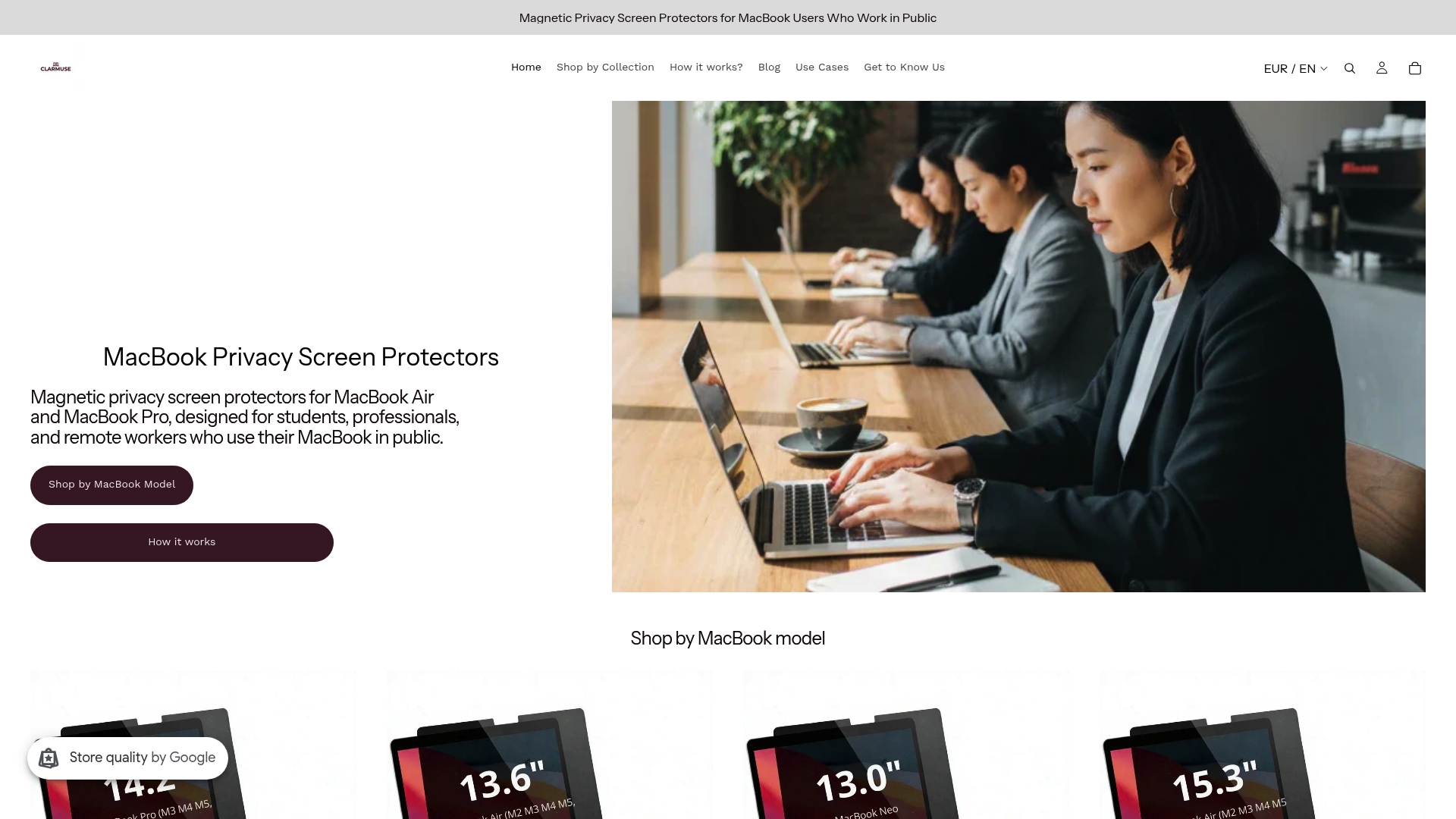
The magnetic design means no adhesive residue, no alignment frustration, and no permanent commitment to a single work environment. Clarmuse filters also reduce blue light exposure, adding a secondary benefit for travelers working across time zones. Browse the full range at Clarmuse’s MacBook privacy collection to find the model that matches your MacBook.
FAQ
What does a privacy filter actually do?
A privacy filter uses micro-louver technology to restrict your screen’s visible angle to roughly 30 degrees from center. Anyone seated to your side sees only a darkened display.
Are privacy filters worth it for occasional travelers?
Privacy filters serve as an effective deterrent against casual onlookers and reduce anxiety in crowded spaces. Even occasional travelers benefit when handling sensitive work in public.
Do privacy filters work on MacBooks?
Yes. Filters sized for specific MacBook models cover the screen precisely. Magnetic versions attach without adhesive and are designed for frequent on-and-off use.
Can someone behind me still see my screen with a filter on?
Privacy filters block lateral views but do not block direct rear angles. Sitting with your back to a wall removes that exposure entirely.
Should I use a privacy filter alongside a VPN?
Yes. Combining a privacy filter with a VPN covers both physical and network-level threats. The filter stops visual exposure; the VPN protects data in transit.


