

Most people treat MacBook accessories like universal products. They grab a keyboard cover, a webcam sticker, or a sleeve that’s “close enough” and move on. That assumption is why MacBook screen repairs are so common and so expensive. Understanding why macbook accessories need precise fit is not about being fussy. It’s about knowing that Apple engineers these machines to tolerances measured in fractions of a millimeter, and that any accessory ignoring those measurements creates real risk. For students, digital nomads, and travelers using their MacBook in public every day, the stakes are higher than most realize.
Table of Contents
- Understanding MacBook’s engineering and design constraints
- How improper accessories cause costly damage
- Comparing types of MacBook accessories: risks and benefits
- How to choose and fit MacBook accessories for privacy and comfort
- Maintaining MacBook safety and comfort during travel and shared workspace use
- Why “one-size-fits-all” thinking endangers your MacBook
- Protect your MacBook with precise-fit privacy accessories from Clarmuse
- Frequently asked questions
Key Takeaways
| Point | Details |
|---|---|
| Precision fit matters | MacBook accessories must match exact model dimensions to avoid damaging tight tolerances. |
| Avoid keyboard covers | Even ultra-thin keyboard covers risk cracking the screen if left under the lid. |
| Choose safe privacy solutions | Magnetic privacy screens protect your data without stressing MacBook hinges or displays. |
| Proper sleeve size | Measure your MacBook and select sleeves with slightly larger interior to prevent pressure. |
| Daily care prevents damage | Keep keyboard and lid clean, avoid placing objects on closed MacBook, and carry it properly. |
Understanding MacBook’s engineering and design constraints
Apple’s commitment to thinness is well documented, but the consequence of that thinness is less discussed. Modern MacBooks are engineered with extremely tight tolerances, meaning they are not designed to accommodate any additional thickness between the keyboard and the screen. That’s not a suggestion. It’s a structural reality.
When the MacBook lid closes, the distance between the keyboard surface and the inner display glass is engineered to near-zero clearance. Even a standard silicone keyboard cover, typically 0.2 to 0.4 mm thick, can push the display glass against the inner frame. Do that once and you may be fine. Do it every day for three months and the cumulative pressure becomes a fracture risk.
The hinge tension and screen buffering on every MacBook model are factory calibrated. They account for the weight and flex of the display at a specific thickness. Adding unexpected pressure throws off that calibration over time. Apple’s design trade-offs here are deliberate: prioritize portability and aesthetics over tolerance for third-party add-ons.
Key engineering constraints to keep in mind when you think about setting up your MacBook for privacy and comfort in shared spaces:
- The gap between keyboard and screen on most MacBook models is less than 1 mm when closed
- Screen glass is laminated and has no flex tolerance for sustained contact pressure
- Hinge tension is calibrated to the display’s factory weight, not a display plus added material
- Debris as small as a crumb can act as a pressure point and crack the inner display layer
- Thin bezels on newer models leave even less room for error than older MacBook designs
How improper accessories cause costly damage
Understanding Apple’s design helps clarify why improper accessories have such damaging consequences. The two most common offenders are webcam covers and hard-shell keyboard protectors. Both seem harmless. Both have sent laptops to the repair bench.
Apple officially advises against using webcam covers and hard-shell keyboard covers because they prevent the MacBook from closing completely, which can exert constant, damaging pressure on the display glass, often leading to cracks that cost over $700 to repair out-of-warranty.
“The lid closes against the keyboard surface with calibrated force. Any object in that gap, regardless of size, redirects that force into the display glass. There is no safe thickness, only varying levels of risk.” — MacBook screen pressure damage analysis
The financial impact is not theoretical. Without AppleCare+, a MacBook Retina display repair routinely runs $600 to $900 depending on model. That webcam cover that cost you $8 can translate into a $750 repair bill.
Common causes of pressure-related MacBook screen damage:
- Leaving a webcam cover attached when closing the lid
- Using silicone or TPU keyboard covers that add thickness across the full keyboard width
- Closing the MacBook over a charging cable or USB-C adapter resting on the keys
- Placing the MacBook in a tight bag with external pressure compressing the lid further
- Setting objects, such as phones, notebooks, or pens, on the closed keyboard surface
Exploring MacBook screen protectors designed with model-specific measurements helps you understand what a properly fitted accessory looks like by comparison.
Comparing types of MacBook accessories: risks and benefits
With potential damage understood, let’s see how accessory types vary and why precise fit matters for each category.
| Accessory type | Key benefit | Primary risk | Fit requirement |
|---|---|---|---|
| Keyboard cover | Protects keys from debris | Lid closure pressure, screen cracks | Must be under 0.1 mm or avoided entirely |
| Webcam cover | Blocks camera view | Adds thickness to hinge contact zone | Avoid slide-style covers; use digital options |
| Hard-shell case | Outer body protection | Lid misalignment, hinge strain if too thick | Must clip flush; no interference with closure |
| Privacy screen filter | Blocks side-angle visibility | Minimal if magnetic and removable | Exact model dimensions required |
| Laptop sleeve | Transit protection | Internal pressure if too small | Interior must exceed MacBook dimensions |
A well-designed, lightweight hard-shell case that clips onto the outer surface does not interfere with hinge mechanisms. The operative phrase is “outer surface.” Cases that add material inside the hinge zone or prevent the lid from closing flush are the problem, not cases as a category.
Magnetic privacy screens are in a different class entirely. Because they attach to the outside of the display and are removed before closing, they add no pressure to the keyboard-to-screen gap. They need to fit the exact model, though. A filter cut for a MacBook Pro 14-inch will not sit correctly on a MacBook Pro 16-inch, and a loose fit defeats the purpose of blocking side-angle visibility.
Browse MacBook Pro privacy screen protectors to see what model-specific magnetic fitting looks like in practice.
Pro Tip: Always verify the exact MacBook model number before purchasing any accessory. “MacBook Pro 13-inch” has covered at least four distinct chassis dimensions across different years. The model number, found under “About This Mac,” is the only reliable reference.
How to choose and fit MacBook accessories for privacy and comfort
Now that you know which accessory types are safe, here’s how to choose and fit them precisely for everyday use in shared spaces.
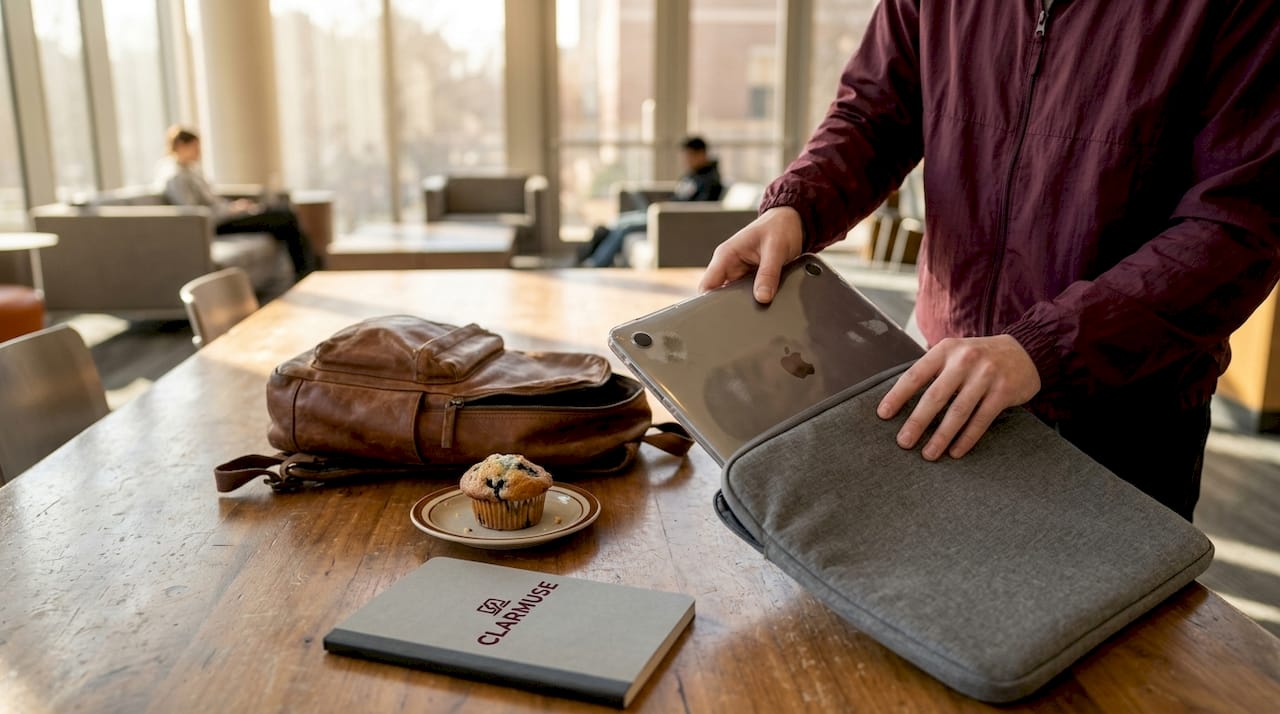
Fitting a laptop sleeve correctly is a common area of confusion. Choosing the right sleeve isn’t just about screen size. You must measure actual device dimensions and add clearance to ensure fit without pressure.
Steps for verifying accessory compatibility:
- Open “About This Mac” and note your exact model identifier, not just the screen size
- Measure the MacBook’s physical length, width, and thickness with a ruler or calipers
- For sleeves, add 0.25 to 0.375 inches to length and width for comfortable insertion
- For hard-shell cases, check the manufacturer’s listed compatible model identifiers, not just screen inches
- For privacy screens, confirm the diagonal measurement and aspect ratio match your display exactly
- Test closure of any accessory before committing to daily use. The lid should close completely flush
Fit guidelines for common MacBook accessories:
| Accessory | Measurement to check | Recommended clearance |
|---|---|---|
| Laptop sleeve | Interior length and width | Add 0.25 to 0.5 inches each dimension |
| Hard-shell case | Hinge clearance when closed | Zero tolerance. Lid must close completely flush |
| Privacy screen | Display diagonal and width | Exact model match required |
| Keyboard cover | Material thickness | Avoid if possible; remove before closing |
For students and travelers focused on protecting MacBook privacy in shared spaces like dorms or coworking areas, the privacy screen measurement matters most. A filter that doesn’t align with your exact screen edges leaves gaps where side-angle visibility creeps back in.
Pro Tip: Always remove keyboard covers before closing the lid. Keep that as a non-negotiable habit. It takes two seconds and eliminates one of the most common causes of avoidable screen damage.
Maintaining MacBook safety and comfort during travel and shared workspace use
Beyond fit, maintaining safety and comfort daily ensures longer MacBook life and user privacy across every environment you work in.
Your backpack can be the source of damage you never see coming. A bag stuffed too full creates external pressure on the laptop’s lid, which transfers directly to the display. You close your bag, feel resistance, push through it, and think nothing of it. The display glass registers every event.
Best practices for shared spaces and travel:
- Always carry your MacBook by its base, not the screen. Gripping the display creates flex stress on the hinge and glass
- Use a padded sleeve inside your backpack, even if the bag has a “laptop compartment.” Compartments compress; sleeves protect
- Never place anything on top of a closed MacBook in your bag. Books, chargers, and water bottles all add localized pressure
- In cafes and shared offices, keep your screen angle shallow enough that shoulder surfers lose visibility. A magnetic privacy filter handles this without the posture compromise
- Remove USB-C hubs and adapters from ports before packing. They extend beyond the chassis and become pressure levers in a tight bag
For anyone looking for privacy screen options for public spaces, the magnetic removal feature matters as much as the filter itself. An accessory you can attach in seconds and remove before packing is one you will actually use every day.
Pro Tip: Use a padded sleeve inside your backpack and keep the MacBook compartment free of any other items. Even a thin notebook pressing against the lid over a 90-minute commute accumulates significant pressure.
Why “one-size-fits-all” thinking endangers your MacBook
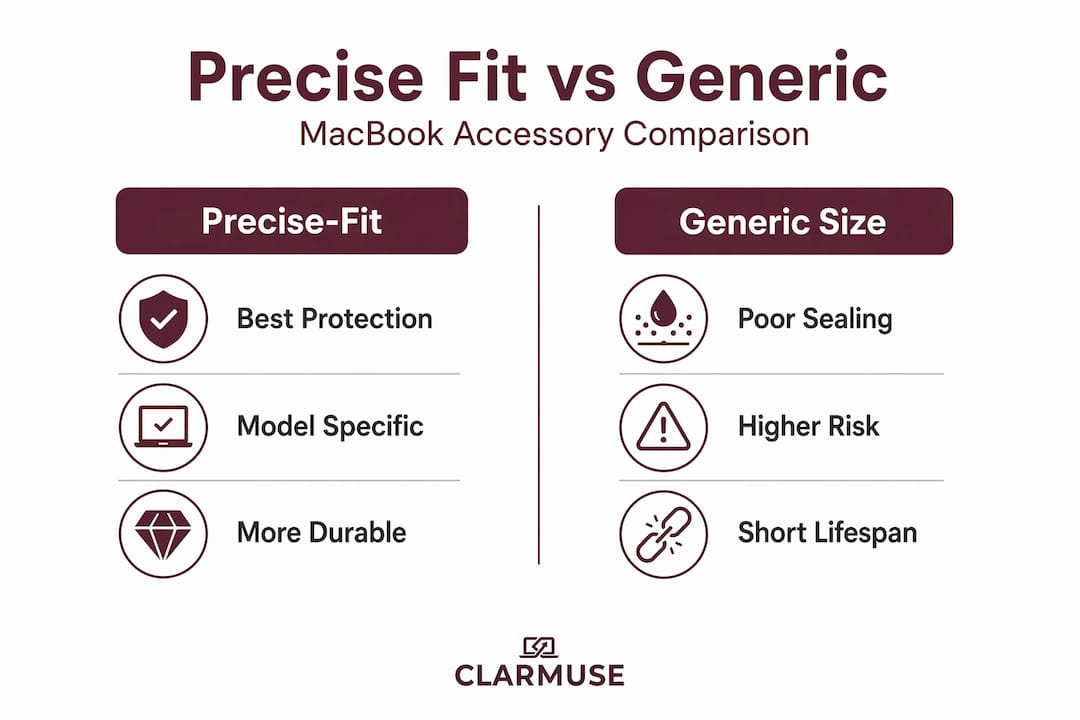
Here is the uncomfortable reality that accessory marketing rarely addresses. Generic accessories are designed to fit a price point, not a device. “Compatible with most 13-inch MacBooks” is not a fit specification. It is a disclaimer written to reduce returns.
Apple’s design philosophy runs directly counter to the accessory industry’s production economics. Apple narrows tolerances every generation. Accessory manufacturers, particularly at lower price points, produce items measured to screen size categories, not actual chassis dimensions. The gap between those two approaches is where damage happens.
Even a seemingly harmless object left on the keyboard can exert enough force to shatter the internal glass layers upon closing. That’s not a warning about obvious carelessness. That’s a warning about a pen, a coin, or a slightly too-thick keyboard cover that you would never think twice about.
The cost math is worth spelling out. A generic keyboard cover costs $10 to $15. A display repair without AppleCare+ costs $700 or more. The accessory that saved you $20 over a precisely fitted alternative is a poor trade if it contributes to a cracked screen over six months of daily use.
There is also a privacy dimension that gets overlooked. A privacy screen that doesn’t fit your exact MacBook model leaves unfiltered zones at the edges of the display. In a café or on a train, those gaps are wide enough for someone at an angle to read your screen. The filter you chose for convenience rather than fit is not actually protecting you. Reviewing MacBook privacy and comfort tips built around model-specific accessories gives you a more reliable foundation than generic purchasing guides.
Educated purchasing decisions start with your model identifier and end with accessories that list that model identifier explicitly in their compatibility specs. Everything in between is a compromise.
Protect your MacBook with precise-fit privacy accessories from Clarmuse
After understanding the importance of fit, here’s how you can protect your MacBook with accessories designed specifically for it.
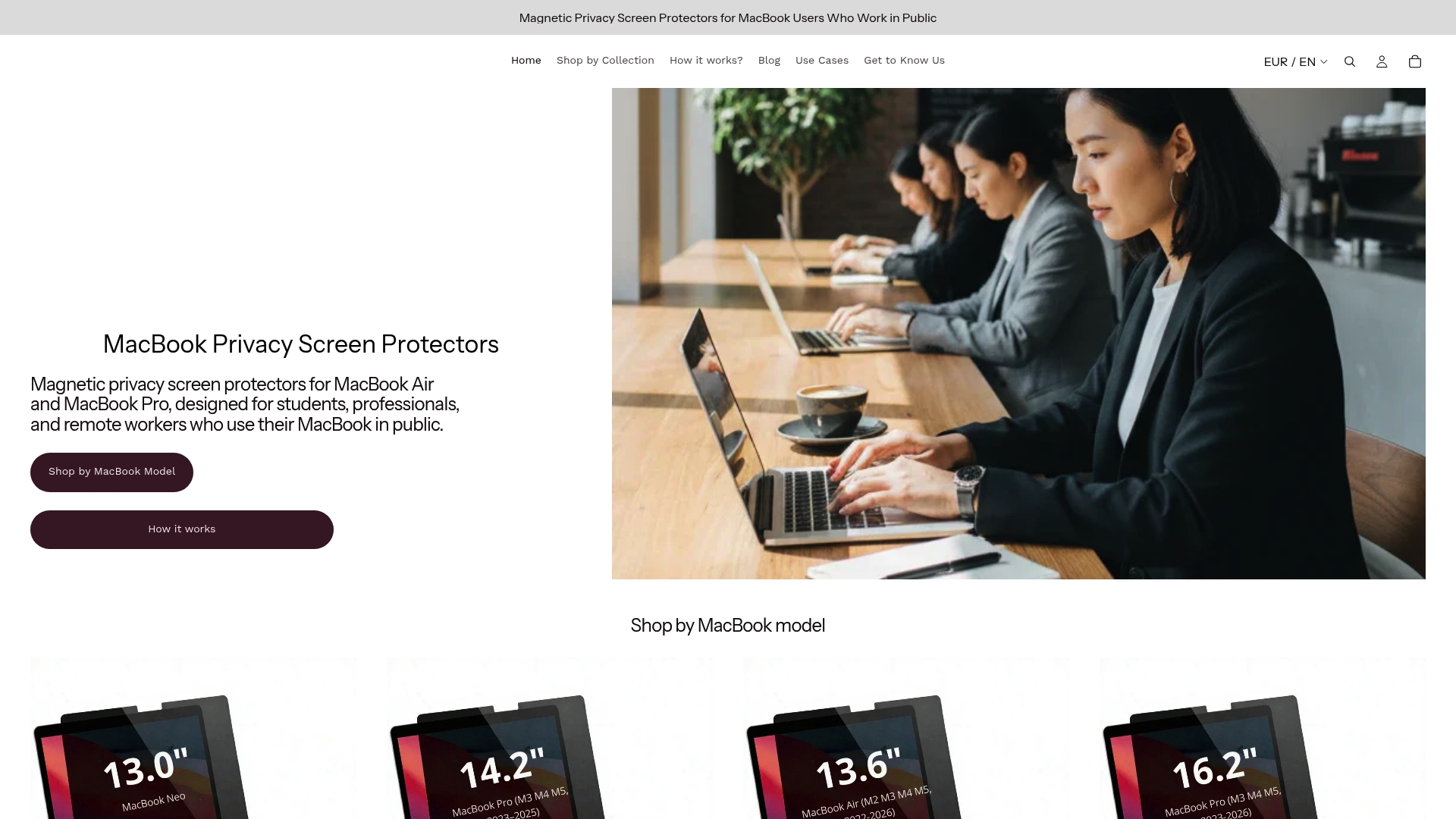
Clarmuse builds magnetic privacy screen protectors matched to individual MacBook Air and MacBook Pro models. Each filter is sized to the exact display dimensions of your device, so it attaches flush, covers the full screen area, and removes cleanly before you close the lid. There is no pressure on the display glass, no hinge interference, and no side-angle visibility in shared spaces like cafés, libraries, or airport lounges. Browse MacBook Pro magnetic privacy filters or the MacBook Air magnetic privacy protector to find your model. The full MacBook screen protector range covers both Air and Pro across current and recent models.
Frequently asked questions
Why are standard keyboard covers risky for MacBooks?
Standard keyboard covers add extra thickness that prevents the MacBook lid from closing properly. That additional thickness creates pressure that can crack the display glass over repeated use.
Can a slim hard-shell case damage the MacBook hinge?
A case that clips onto the outer body without adding material to the hinge zone is generally safe. A well-designed hard-shell case that clips onto the outer surface does not interfere with hinge mechanisms, but cases that prevent flush closure cause strain.
How do I ensure my laptop sleeve fits correctly?
Measure your MacBook’s exact length, width, and thickness, then choose a sleeve with interior dimensions slightly larger. Measure actual device dimensions and add roughly 0.25 to 0.375 inches to each dimension for comfortable insertion without pressure.
Why avoid placing any object on a closed MacBook?
Objects on the keyboard or placed on top of the closed lid create localized pressure points. Tiny objects create lethal pressure points that can destroy the screen, even when those objects seem too small to matter.
What is the best way to protect privacy without risking screen damage?
Use a magnetic privacy screen protector sized to your exact MacBook model. Magnetic privacy screens attach to the outer display surface and are removed before closing, so they add no pressure to the keyboard-to-screen gap.


