

What are the best alternatives to Kensington.com for MacBook privacy?
The top alternatives to Kensington.com for MacBook privacy and security accessories are magnetic privacy screens designed for specific MacBook models, alarm-based security devices, and ecosystem-matched accessory brands. For privacy screens, Clarmuse offers the most MacBook-specific fit available in the US. For physical security, alarm-on-product devices cover MacBooks that lack a Kensington slot entirely.
| Feature | MacBook-specific privacy screens | Generic privacy filters | Alarm-on-product security |
|---|---|---|---|
| MacBook model compatibility | Exact fit per model | Universal, often loose | All brands, no slot needed |
| Design cohesion | Matches Apple aesthetics | Varies | Minimal visual impact |
| Security type | Screen privacy | Screen privacy | Physical theft deterrent |
| Installation | Magnetic, tool-free | Adhesive or clip | Adhesive, specialized removal |
| Price range | Mid-range | Budget | Budget to mid-range |
| US availability | Yes | Yes | Yes |
MacBook-specific magnetic screens from Clarmuse cover the Pro 16.2", Air 15.3", Pro 14.2", Neo 13.0", and Air 13.6" (M2, M3, M4, M5, 2022–2026). Satechi produces color-matched accessories for MacBook Neo and other current Apple models, focusing on ecosystem cohesion rather than privacy filtering. Targus offers enterprise-grade laptop security solutions with broad MacBook compatibility. For buyers who want screen privacy without bulk, a model-specific magnetic screen is the most practical option.
Table of Contents
- How do you choose the right MacBook privacy or security accessory?
- How do MacBook privacy screens and security devices actually work?
- What do customer reviews say about Kensington.com alternatives?
- What return policies and warranties apply to leading alternatives?
- Clarmuse magnetic privacy screens for your MacBook
- Key Takeaways
- FAQ
How do you choose the right MacBook privacy or security accessory?
MacBook compatibility is the first filter. Newer MacBook models, including the Air M2 and later, do not include a Kensington lock slot, so traditional cable locks are not an option. Verifying the exact lock slot on your specific MacBook model before purchasing any physical security device prevents a costly mismatch.
Design matters more than most buyers expect. MacBook users consistently prefer accessories that match the laptop’s finish and minimalist style, and a poorly fitted or visually mismatched screen filter draws more attention than it deflects. Ecosystem cohesion is a real purchasing factor for this audience, not just a marketing phrase.
Key considerations when choosing:
- Model fit: Confirm the accessory lists your exact MacBook model number, not just a screen size.
- Security type: Decide between screen privacy (magnetic filter) and physical theft deterrence (alarm-on-product or cable lock where a slot exists).
- Installation: Magnetic attachment requires no tools and leaves no residue. Adhesive-based security devices use a specialized removal tool.
- Daily use: A filter you remove and reattach multiple times per day needs a reliable attachment method. Magnetic is faster than clip or adhesive.
- Price: MacBook-specific magnetic screens sit in the mid-range. Generic filters cost less but often fit poorly on the tapered MacBook chassis.
Pro Tip: Check whether the product page lists your MacBook’s model identifier (e.g., A2780 for the MacBook Pro 16-inch M2) rather than just the screen size. Screen sizes alone do not account for bezel differences between generations.
How do MacBook privacy screens and security devices actually work?
A privacy screen filter uses micro-louver technology, a layer of tiny vertical blinds embedded in the film, to narrow the viewing angle. Anyone sitting beside or behind you sees a darkened or blank screen. Only the person directly in front sees the display clearly. Magnetic versions for MacBook attach along the top edge of the lid using embedded magnets, so there are no clips, adhesives, or frame modifications involved.
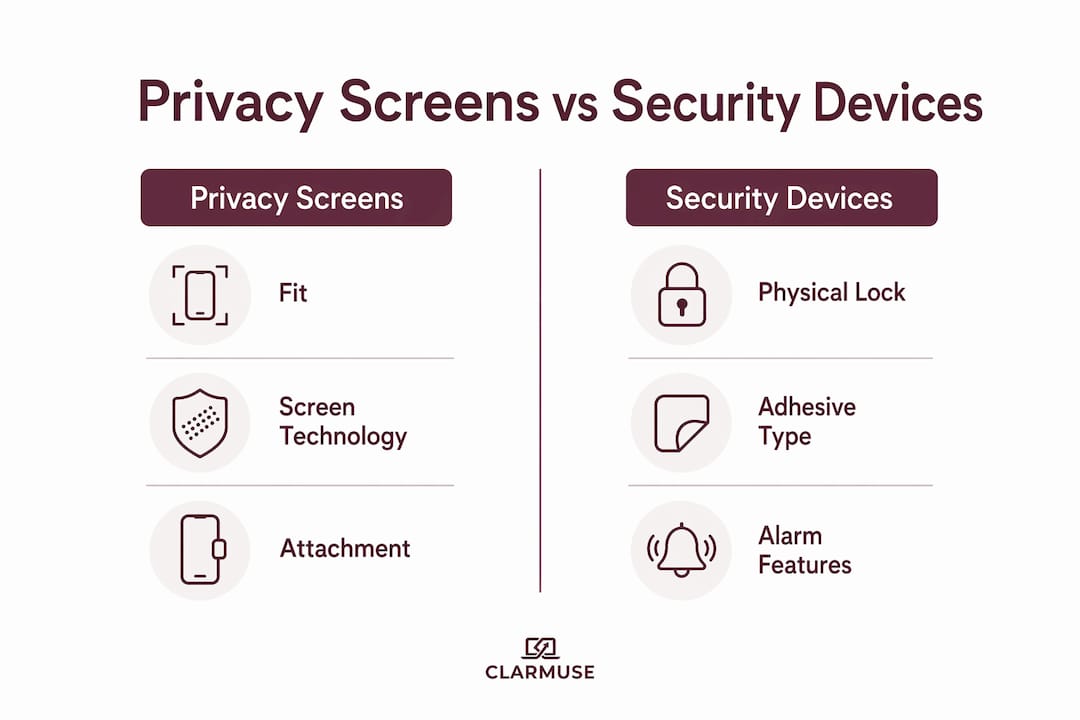
| Feature | Magnetic privacy screen | Generic clip-on filter | Alarm-on-product (AOP) |
|---|---|---|---|
| Viewing angle restriction | Yes | Yes | No |
| MacBook-specific fit | Yes (by model) | No | No |
| Physical theft deterrent | No | No | Yes |
| Residue on device | None | Possible | Adhesive (tool-removed) |
| Reusable | Yes | Yes | No |
Physical security works differently. Alarm-on-product devices attach directly to the laptop body using a strong adhesive that requires a specialized tool to remove. If someone tries to take the device, an alarm sounds. This approach covers MacBooks without a K-slot, which includes most models released in the past several years. A modular track system goes further, securing multiple devices in a row without blocking the screen or keyboard, which is useful in retail or library settings.
Nearly half of all laptop theft occurs in offices and classrooms, not on the street. A privacy screen addresses the most common shared-space risk: someone reading your screen. A physical lock addresses the less frequent but more damaging risk of the device being taken entirely.
What do customer reviews say about Kensington.com alternatives?
Buyers of MacBook-specific privacy screens consistently flag fit as the deciding factor in reviews. A screen that does not align precisely with the MacBook’s display leaves visible gaps or covers part of the bezel, which affects both appearance and the effectiveness of the viewing angle restriction. Products listed by exact MacBook model identifier receive higher satisfaction ratings than those sold by screen size alone.
For physical security accessories, reviewers note that multiple Kensington lock slot sizes exist across MacBook generations, and compatibility cannot be assumed. Buyers who verified slot type before purchasing report fewer returns. Alarm-on-product alternatives receive positive marks for covering MacBooks without a slot, though some reviewers note the adhesive is permanent by design.
Ecosystem-focused brands like Satechi earn consistent praise for finish matching and build quality. Reviews from US buyers highlight that color-matched accessories reduce the visual clutter of a multi-device setup, which aligns with the preference for workspace cohesion that MacBook users prioritize.
What return policies and warranties apply to leading alternatives?
Return and warranty terms vary by brand and retailer. Most US-based online retailers, including Amazon and Best Buy, offer a standard 30-day return window for unopened or defective accessories. Manufacturer warranties on privacy screens and security devices typically run 12 months and cover defects in materials or workmanship, not physical damage from misuse.
For adhesive-based security products, returns are generally not accepted once the adhesive has been applied, since the device cannot be restored to its original condition. Buyers should confirm the return policy before applying any adhesive security accessory. Magnetic privacy screens carry no such restriction because they attach and detach without leaving residue.
Clarmuse ships to the US and publishes its return and warranty terms directly on the product pages. Checking the specific policy before purchase is the most reliable approach, since terms can differ between the brand’s own site and third-party marketplaces.
Clarmuse magnetic privacy screens for your MacBook
Clarmuse builds magnetic privacy screens for MacBook users who want effective side-angle protection without adding bulk or compromising the look of their setup. Each screen is designed for a specific MacBook model, not a generic size range, so the fit is exact and the attachment is clean.
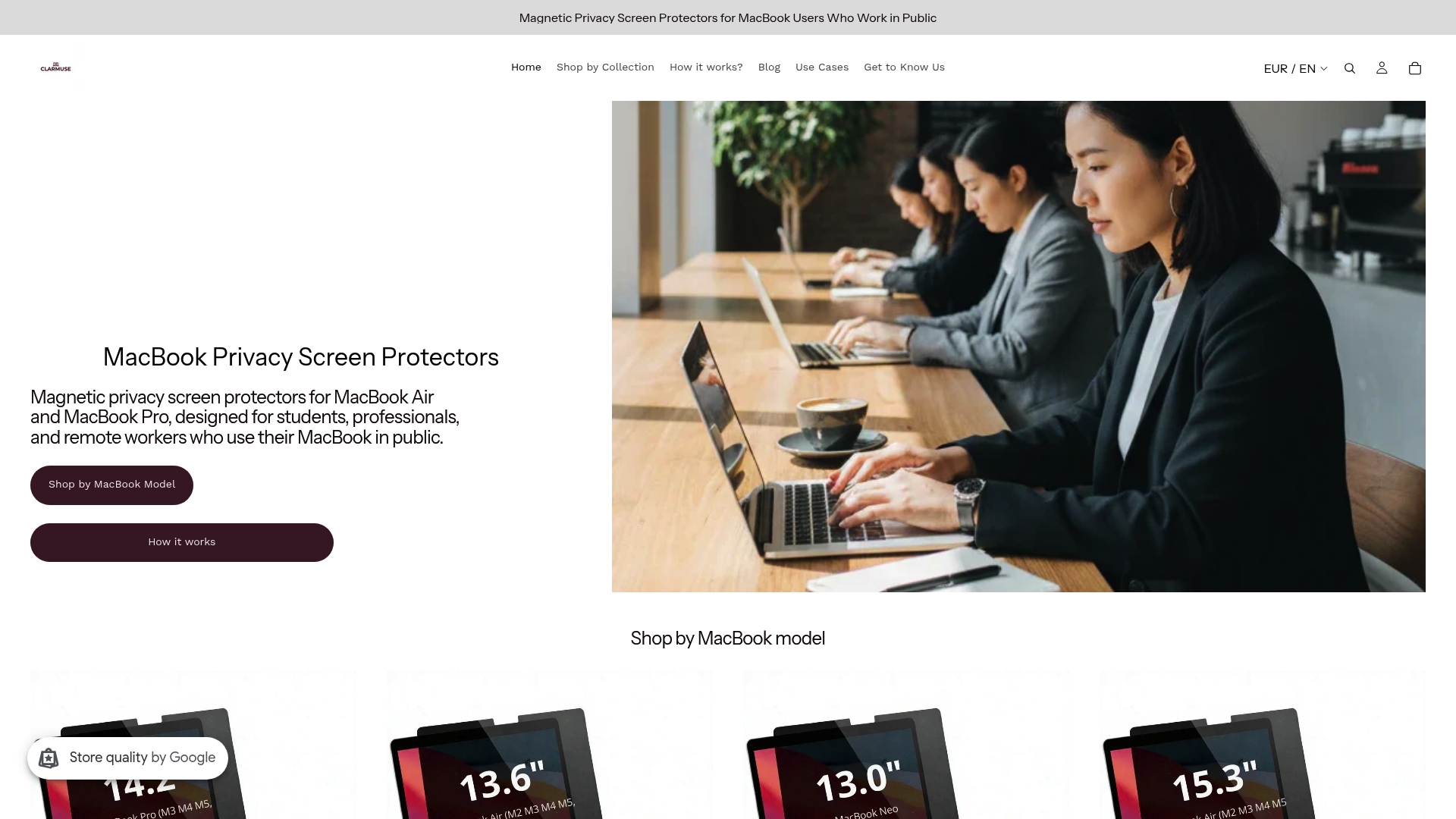
The product line covers five current MacBook configurations:
- MacBook Pro 16.2" privacy screen
- MacBook Air 15.3" privacy screen
- MacBook Pro 14.2" privacy screen
- MacBook Neo 13.0" privacy screen
- MacBook Air 13.6" (M2, M3, M4, M5, 2022–2026) privacy screen
Magnetic attachment means no tools, no adhesive, and no residue. The screen goes on before a café session and comes off in seconds when you pack up. For anyone working regularly in shared spaces, that daily friction matters. Browse the full MacBook privacy screen collection to find the right fit for your model.
Key Takeaways
MacBook-specific magnetic privacy screens offer the most precise fit and lowest daily friction for shared-space privacy, making model-verified compatibility the single most important purchase criterion.
| Point | Details |
|---|---|
| Verify model compatibility | Confirm the product lists your exact MacBook model identifier, not just screen size. |
| Match security type to threat | Use a privacy screen for visual eavesdropping; use an alarm-based device for physical theft. |
| Magnetic beats adhesive for daily use | Magnetic screens attach and remove without residue, making them practical for repeated daily use. |
| Slot compatibility is not guaranteed | Many current MacBook models lack a Kensington slot; confirm before buying any cable lock. |
| Clarmuse covers five MacBook models | Clarmuse offers model-specific magnetic privacy screens for MacBook Pro, Air, and Neo in current sizes. |
FAQ
What MacBook models lack a Kensington lock slot?
Most MacBook models released in recent years, including current MacBook Air and MacBook Pro designs, do not include a Kensington slot. Alarm-on-product devices are the practical physical security alternative for these models.
Are magnetic privacy screens reusable?
Yes. Magnetic privacy screens attach and detach without adhesive, so they can be removed and reapplied daily without leaving residue or damaging the display.
Where can you buy Kensington.com alternatives in the US?
MacBook privacy screens and security accessories are available through the brand’s own website, Amazon, and major US retailers like Best Buy. Clarmuse ships directly to US customers through its own site.
How do you know if a privacy screen fits your MacBook?
Check that the product page lists your specific MacBook model identifier or generation (for example, MacBook Air 13.6" M2/M3/M4/M5). Screen size alone does not account for bezel differences between MacBook generations.
What is alarm-on-product security for laptops?
Alarm-on-product (AOP) is a physical security method that attaches an alarm directly to the laptop body using a strong adhesive. If someone attempts to remove the device, the alarm activates. It works on MacBooks without a Kensington slot.


