

Legal documents displayed on a laptop screen in a shared space are vulnerable to visual hacking, making screen protection a necessary physical safeguard for any professional or student handling confidential files in public. The industry term for this physical control is a “privacy screen filter,” a micro-louver layer that restricts side-angle visibility to roughly 30 degrees. Regulations like HIPAA already require physical safeguards for protected health information, and the same logic applies directly to legal data. This guide explains the specific risks, the role of screen protection as the physical last line of defense, its real trade-offs, and the broader practices that keep sensitive documents secure.
Why legal documents need screen protection in shared spaces
Visual hacking is the core threat. It is the act of reading, photographing, or recording on-screen data without authorization, and it leaves no electronic audit trail, making detection nearly impossible after the fact. Unlike a network breach, which generates logs and alerts, a stranger photographing a contract on your screen at a café produces zero digital evidence.
Legal documents carry some of the most sensitive data that exists: client identities, case strategies, financial terms, personally identifiable information (PII), and privileged communications. Exposure of any of these in a shared environment can trigger professional discipline, civil liability, or regulatory penalties. The risk is not theoretical. Government offices and open workspaces regularly expose case files and sensitive information to contractors, visitors, and passersby who have no authorization to view them.
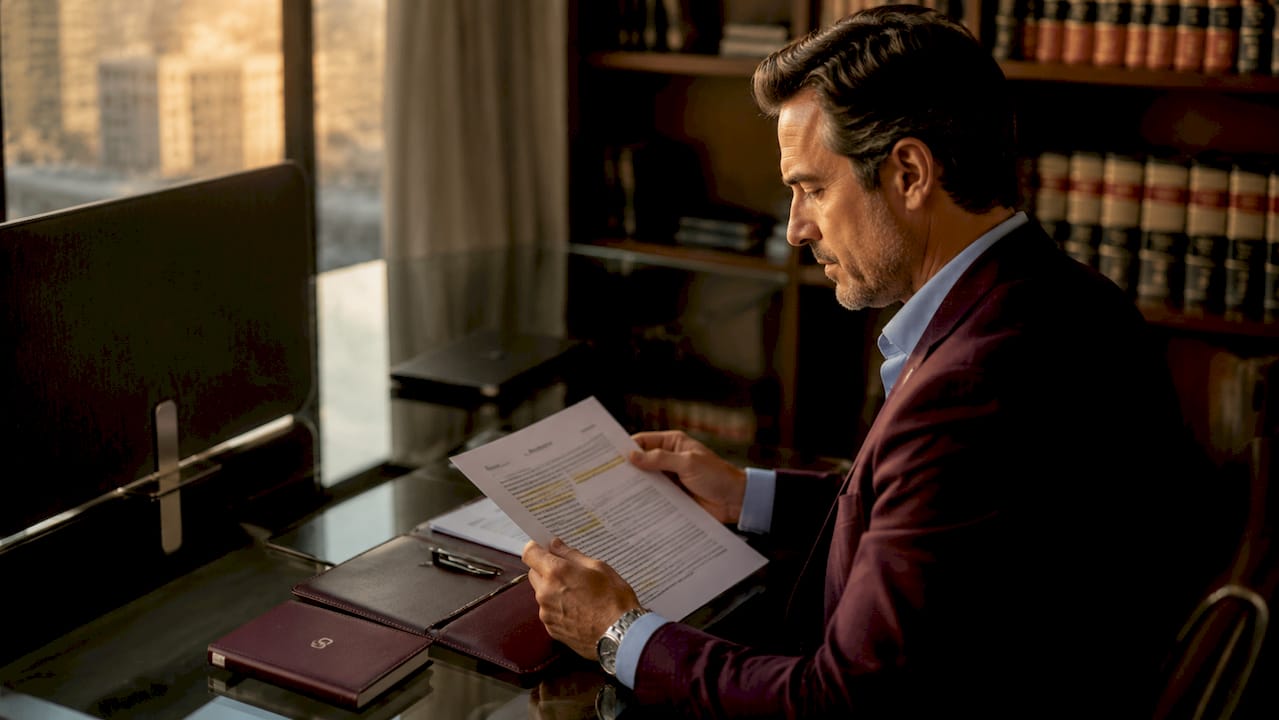
Digital encryption protects data in transit and at rest. It does nothing for data that is actively displayed on a screen. A fully encrypted laptop with a strong password still shows every word of a contract to anyone seated at the right angle. Screen protection addresses this specific gap, which no software control can close.
How visual hacking threatens legal document confidentiality
Visual hacking operates through two main methods: shoulder surfing (reading a screen from nearby) and covert photography (using a phone camera to capture screen content). Both methods are fast, quiet, and require no technical skill.
Visual hacking leaves no electronic audit trace, making detection impossible without physical monitoring or active user vigilance. A single photograph of an unprotected screen can expose an entire case file in seconds.
The threat is especially acute for legal professionals because of where they work. Lawyers, paralegals, and law students regularly open sensitive files in:
- Coworking spaces with open floor plans
- Airport lounges and train cars during travel
- Law school libraries and shared study rooms
- Coffee shops and hotel lobbies during remote work sessions
- Open-plan offices where colleagues and visitors circulate freely
Each of these environments places unvetted individuals within direct line of sight of a screen. Digital security tools like VPNs, two-factor authentication, and full-disk encryption address network and storage risks. They do not prevent a person two seats away from reading a deposition summary displayed at full brightness. The importance of document security in these settings depends on physical controls, not just software.
Pro Tip: Position your screen so the back faces a wall whenever possible. Screen protection works best as one layer in a physical security posture, not as a standalone fix.
Screen protection as the physical last meter of legal document security
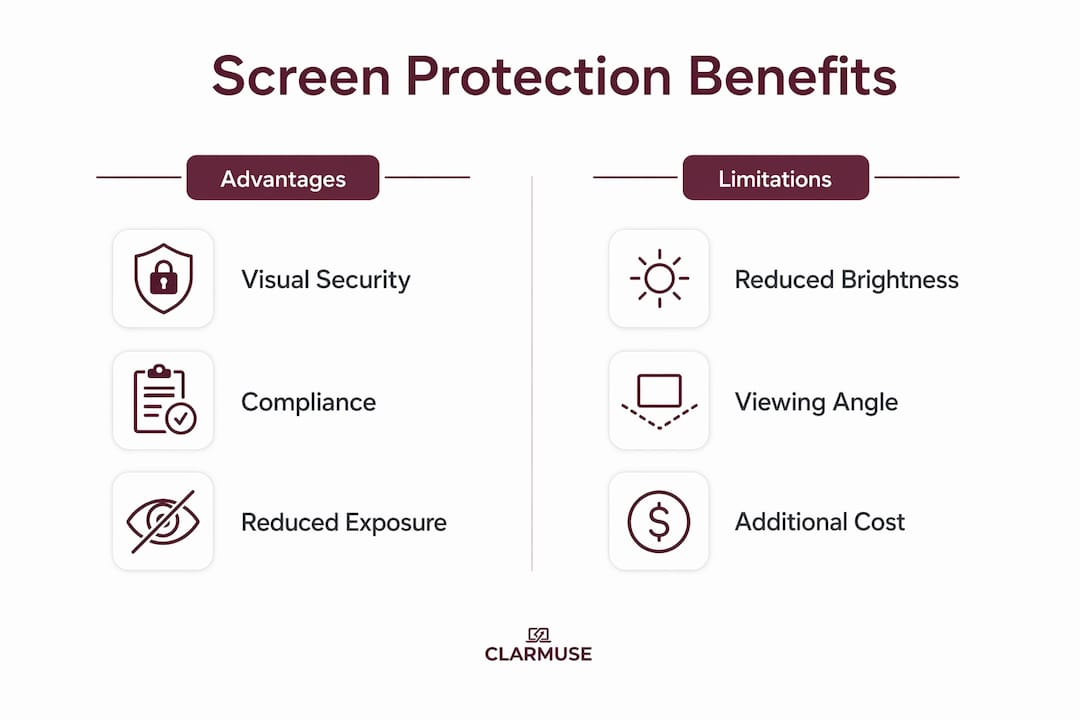
Privacy screen filters act as the physical “last meter” of data security. Privacy screens prevent unauthorized data disclosure on screens as required by regulations like HIPAA involving electronic protected health information and PII. The same physical safeguard standard applies to legal data under attorney-client privilege and bar association ethics rules.
Professional privacy filters reduce the risk of visual data exposure by approximately 85%. That figure reflects testing in office environments against shoulder surfing and covert photography. It is a meaningful reduction, though not a complete elimination of risk.
The relationship between screen protection and cybersecurity is complementary, not competitive. The table below shows how each layer addresses a different attack surface.
| Security layer | Threat addressed | What it cannot stop |
|---|---|---|
| Encryption | Data theft via network or storage | On-screen visual exposure |
| Access controls | Unauthorized login | Viewing by authorized users in public |
| Privacy screen filter | Side-angle visual hacking | Direct front-on viewing |
| Physical positioning | Opportunistic glancing | Determined photography |
Privacy screens serve as physical enforcement of administrative confidentiality policies. A law firm can write a policy requiring confidential screens in public, but without a physical filter, that policy has no enforcement mechanism. The filter is the mechanism.
Combining screen protection with digital identity protection practices creates a layered defense that addresses both physical and digital attack surfaces. Neither layer alone is sufficient for high-stakes legal work.
Pro Tip: When selecting a privacy filter for legal work, prioritize filters with a 60-degree or narrower viewing angle. Wider angles reduce protection in open environments like airports and coworking spaces.
What are the trade-offs of using screen protection on legal devices?
Screen protection is not without drawbacks. Understanding them helps professionals and students make informed decisions rather than abandoning the tool over minor friction.
Privacy screen protectors typically reduce display brightness, which means users often need to increase screen brightness to compensate, consuming more battery. The micro-louver layers that block side angles also reduce the total light output reaching the viewer. For long work sessions, this is a real consideration.
The key trade-offs include:
- Reduced brightness. Filters cut visible light output. Increasing brightness to compensate drains battery faster on laptops.
- Matte texture. Most privacy filters use a matte surface that softens image sharpness. Text-heavy legal documents remain readable, but color accuracy drops.
- Biometric interference. Privacy protectors can interfere with under-display fingerprint scanners, requiring re-registration and sensitivity adjustments. This affects MacBook models with Touch ID.
- Collaboration friction. Showing a document to a colleague seated beside you becomes awkward. The filter restricts their view as effectively as it restricts a stranger’s.
- Installation fit. Generic filters cut for standard screen sizes often leave gaps or overlap bezels, reducing both protection and aesthetics.
Accepting these usability trade-offs is necessary for effective visual security in professional settings involving sensitive legal documents. For most legal professionals and students, the trade-offs are minor compared to the risk of an undetected visual breach. The collaboration issue is the most practically significant, and it is solved by removing the filter temporarily for in-person review sessions.
How to protect legal papers beyond the screen
Screen protection addresses on-screen exposure. A complete approach to protecting sensitive files in shared spaces requires several additional practices.
-
Use verified redaction workflows. Many firms rely on visual masking techniques like black boxes placed over text in PDFs. Visual redaction methods do not remove underlying sensitive text, exposing PII when the file is processed or copied. Use redaction tools that permanently delete data and metadata, then verify the output before sharing.
-
Store documents on encrypted drives. Local copies of legal files should sit on encrypted storage. Full-disk encryption tools built into macOS (FileVault) protect data if a device is lost or stolen. This does not protect on-screen data, but it closes the storage attack surface.
-
Limit screen exposure through positioning. Seat yourself with your back to a wall when working in public. Reduce screen brightness to the minimum comfortable level. Close documents when stepping away, even briefly.
-
Apply auto-lock settings. Set your MacBook to lock after 60 seconds of inactivity. A screen that locks automatically prevents opportunistic viewing when you leave your seat.
-
Audit document access logs. Cloud-based legal document platforms log who opened a file and when. Regular audits catch unauthorized access patterns before they become breaches.
-
Integrate screen protection into your security policy. A privacy screen filter is most effective when it is part of a written policy that also covers positioning, auto-lock, and redaction verification. Physical controls and administrative policies reinforce each other.
The laptop visual security practices that matter most are the ones applied consistently. A privacy filter left in a bag provides no protection.
The risk most legal professionals underestimate
The most dangerous aspect of visual hacking is not that it happens. It is that you will never know it happened. I have worked in enough shared professional environments to observe how casually people handle sensitive screens in public. A lawyer reviewing a settlement agreement at a coworking space, a law student with case notes open at a library table, a paralegal on a train with a client intake form visible at full brightness. None of them were being careless by their own standards. They simply had not internalized that the threat leaves no trace.
Digital security gets attention because breaches generate alerts, headlines, and incident reports. Visual hacking generates nothing. That asymmetry is exactly why physical screen protection is underinvested. The absence of evidence is not evidence of absence. The breach may have already occurred, and you would have no way to know.
The practical lesson I keep returning to is this: treat your screen in public the same way you would treat a printed document. You would not leave a confidential contract face-up on a café table. The screen deserves the same discipline. A well-fitted privacy filter is the simplest way to enforce that discipline without thinking about it every time you open your laptop.
— Gabriel
Clarmuse privacy screens for legal professionals and students
Legal professionals and students who work on MacBook models have a specific solution available from Clarmuse, a specialist MacBook privacy accessory brand.
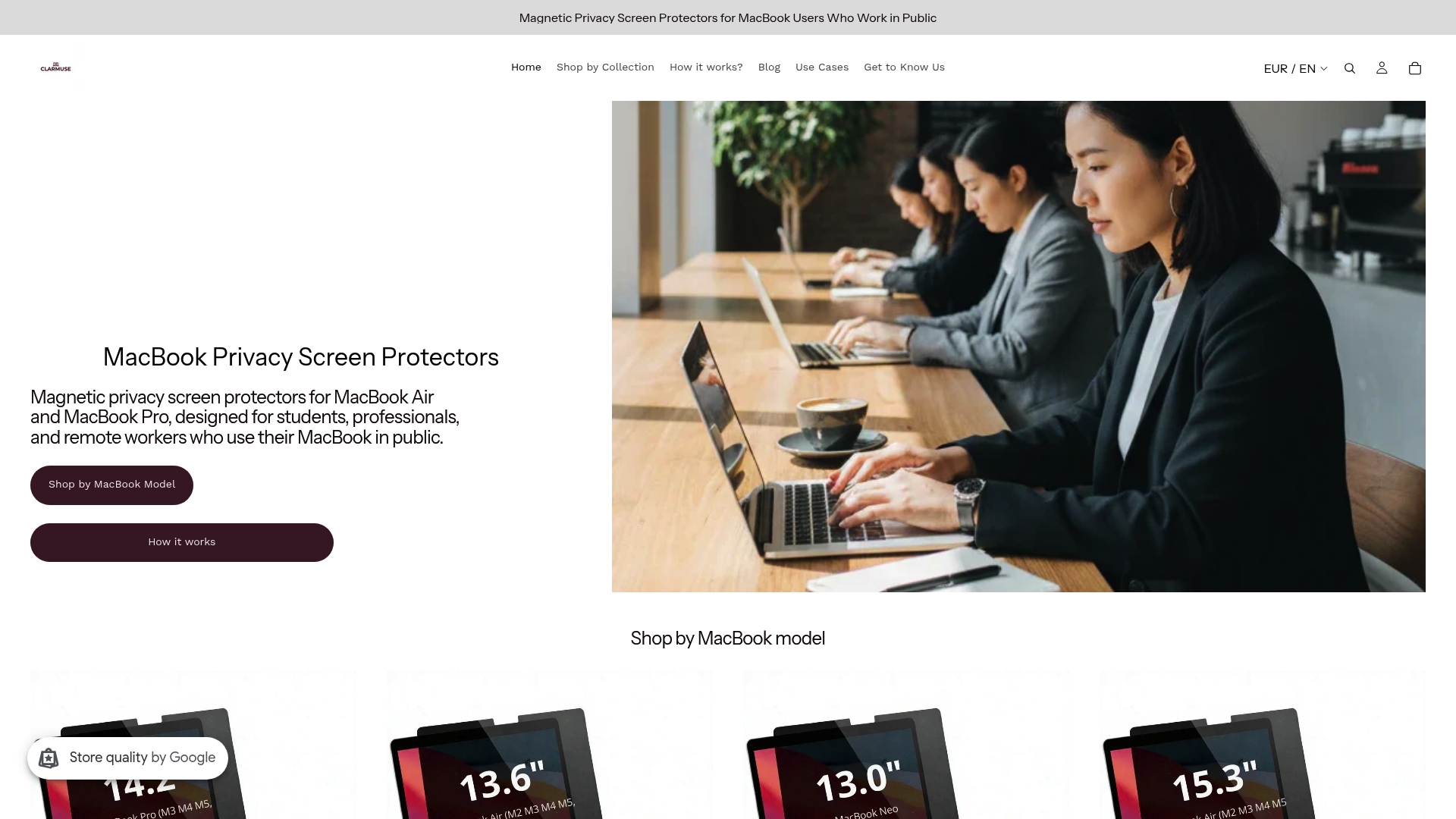
Clarmuse magnetic privacy screen protectors attach without adhesive, fit MacBook Air and MacBook Pro models precisely, and restrict side-angle visibility to protect on-screen legal documents in cafés, libraries, coworking spaces, and airports. The magnetic attachment means the filter goes on and comes off in seconds, solving the collaboration friction issue without permanently altering the screen. Models are available for the MacBook Pro 16.2", MacBook Air 15.3", and the MacBook Air 13.6" (M2, M3, M4, M5, 2022–2026). For professionals who need a compact option, the MacBook Pro 14.2" model is also available.
FAQ
Why do legal documents need screen protection specifically?
Legal documents contain PII, privileged communications, and case strategy data that carry regulatory and professional consequences if exposed. Visual hacking leaves no electronic trace, so on-screen exposure in shared spaces is both high-risk and undetectable after the fact.
Does a privacy screen filter replace encryption?
No. Privacy screen filters and encryption address different threats. Encryption protects data in storage and transit. A privacy filter prevents visual exposure of data that is actively displayed on screen. Both controls are necessary for complete document security.
Can visual hacking really happen in a law library or coworking space?
Yes. Open environments with high foot traffic and unvetted visitors are exactly where visual hacking occurs most often. Government offices and shared workspaces regularly expose sensitive screen content to people with no authorization to view it.
What is the biggest usability drawback of privacy screen filters?
Reduced screen brightness is the most common complaint. Filters cut visible light output, which often requires increasing screen brightness and consuming more battery. The trade-off is generally acceptable for professionals handling sensitive legal documents in public.
How do I verify that a PDF redaction is complete before sharing it?
Use a redaction tool that permanently deletes underlying text and metadata rather than visually masking it. After redacting, copy the text from the PDF to confirm the sensitive content is fully removed. Visual masking alone does not eliminate the underlying data.
Key takeaways
Screen protection is a necessary physical safeguard for legal documents because visual hacking leaves no electronic trace and no software control can prevent on-screen exposure in shared spaces.
| Point | Details |
|---|---|
| Visual hacking leaves no trace | Unauthorized screen photography creates zero logs, making detection impossible without physical monitoring. |
| Privacy filters reduce exposure risk | Professional privacy filters reduce the risk of visual data exposure by approximately 85% in office and shared environments. |
| Screen protection complements encryption | Encryption secures stored and transmitted data; a privacy filter secures data that is actively displayed on screen. |
| Trade-offs are manageable | Reduced brightness and collaboration friction are real but minor compared to the risk of an undetected visual breach. |
| Redaction verification is separate | Screen protection does not fix PDF redaction failures; verified redaction workflows must be part of any complete document security plan. |


